
01
Material and pallets
Provide sheet formats, materials, thicknesses, weights, surface limits, pallet rules and raw, remnant and finished-material locations.
Laser Automation · ULE-FMS
Connect sheet storage, loading, laser cutting and unloading in one flexible production cell built around the ULE exchange-table laser.
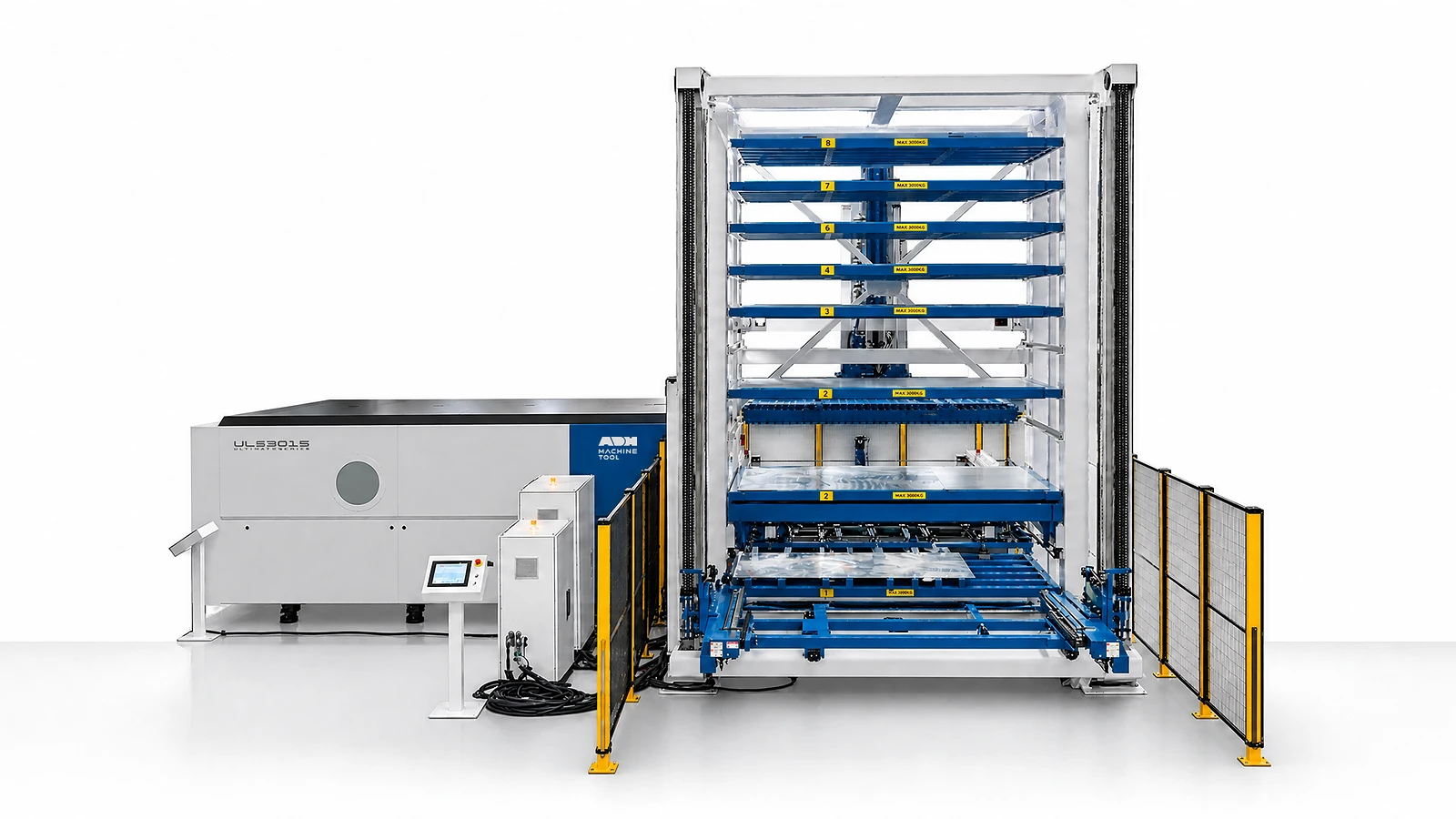
Technical specifications
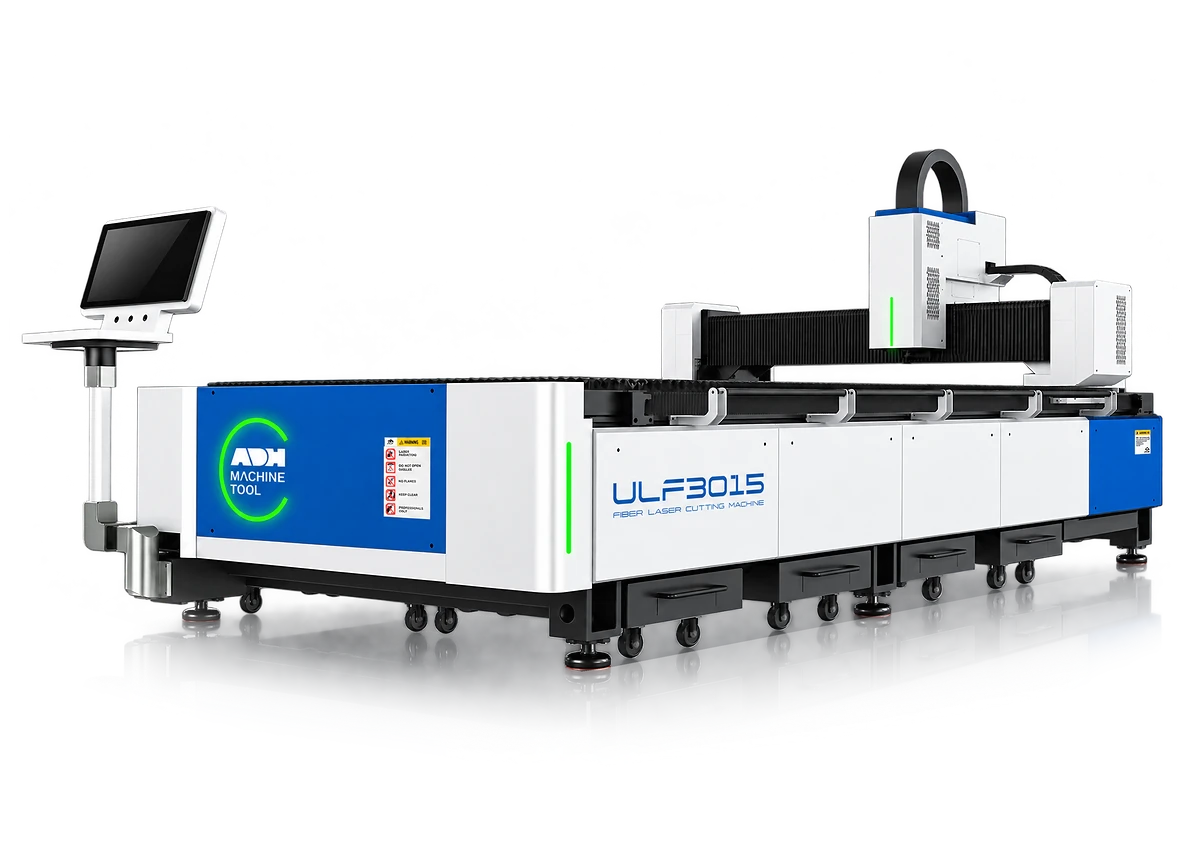
This ULE3015 configuration combines an exchange-table laser with automated sheet storage, loading and unloading. Use the sheet format, thickness and storage load below to size the cell for your material mix.
| Specification | Configuration |
|---|---|
| Maximum sheet format | 3,000 × 1,500 mm |
| Minimum sheet format | 1,000 × 500 mm |
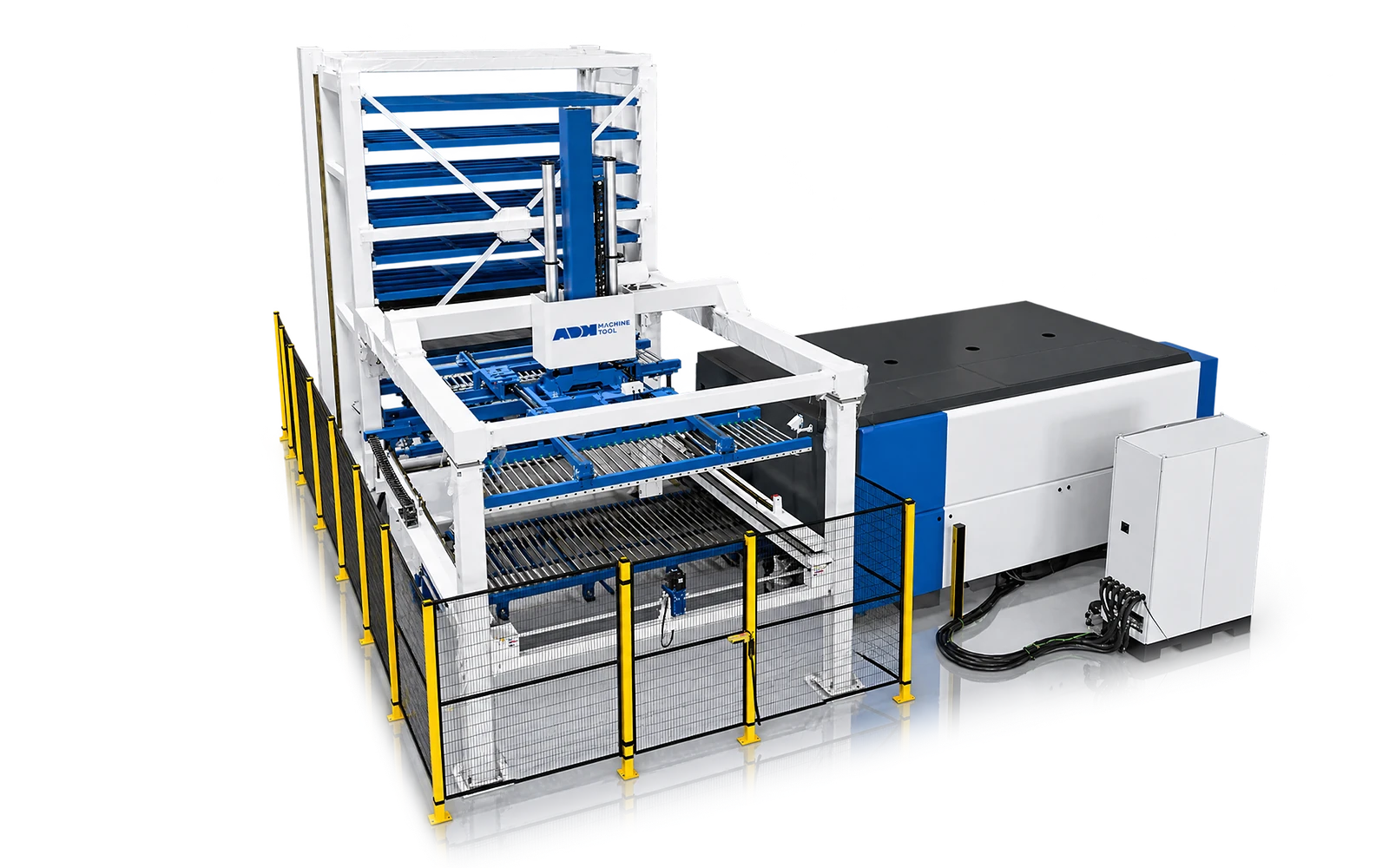
| Storage tower | 8 raw-sheet levels and 2 discharge levels |
| Load per storage level | 3,000 kg |
| Recommended thickness for automatic handling | 0.5–6 mm |
| Sheet-handling thickness range | 0.5–25 mm, subject to sheet condition and handling setup. Cutting capacity depends on material and laser power. |
| Sheet separation and loading | Vacuum cups, magnetic separation and sheet-thickness detection |
| Unloading | Fork transfer to a double-deck finished-sheet cart |
Machine in operation
See how storage, sheet separation, loading, exchange-table cutting and unloading work together in the demonstrated configuration.
Watch on YouTube (opens in a new tab)Design inputs
Four inputs determine the cutting machine, storage, handling and control configuration:
01
Provide sheet formats, materials, thicknesses, weights, surface limits, pallet rules and raw, remnant and finished-material locations.
02
Provide the product mix, batch and shift pattern, nesting workflow, operating window, changeovers and output target.
03
Select the ULE host and define table access, tower position, transfer path, ceiling height, foundation, utilities and service aisles.
04
Define order release, inventory status, protocol, data ownership, guarded zones, intervention rules, recovery and the acceptance cycle.
Product systems
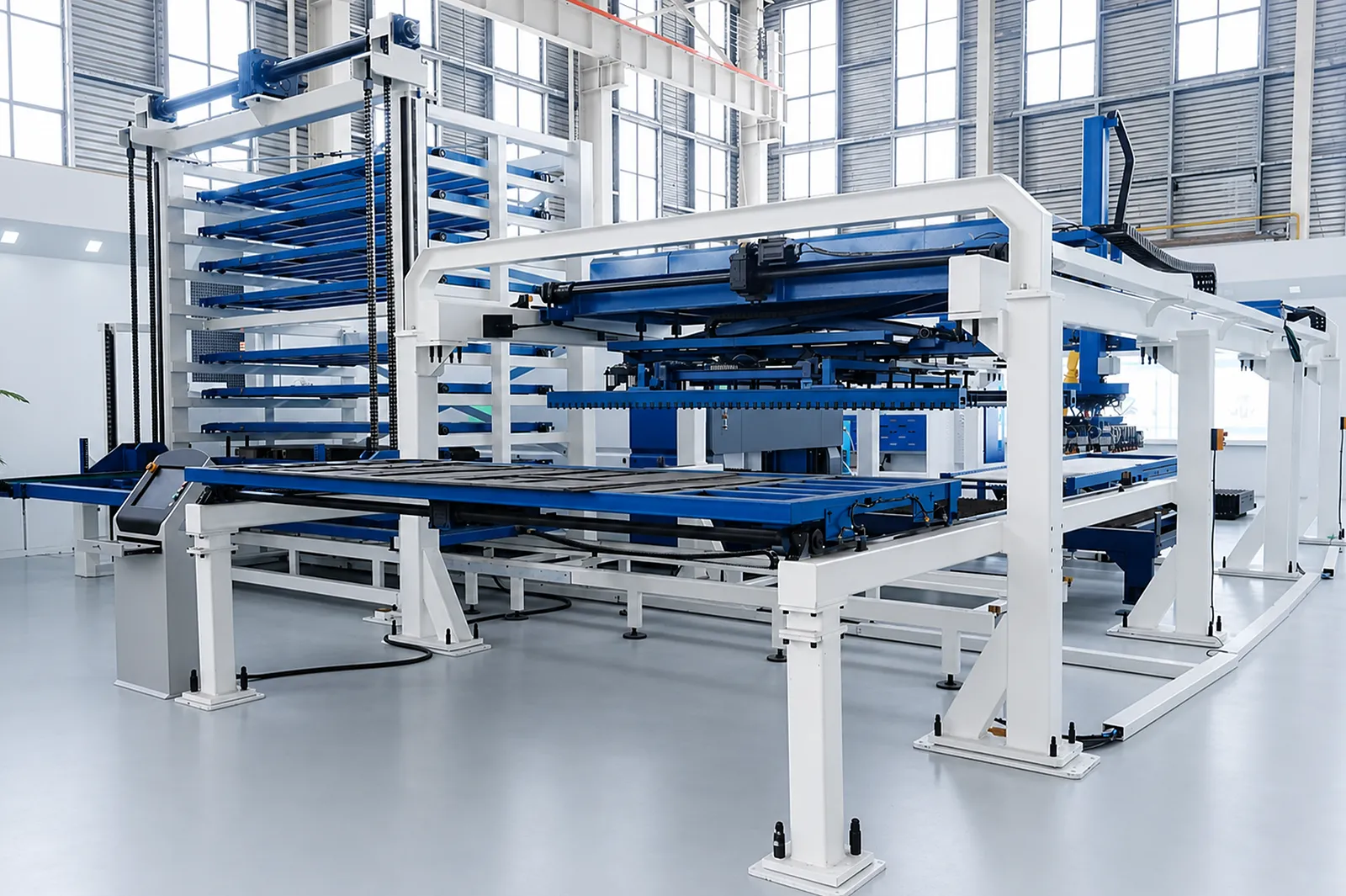
ULE-FMS connects sheet storage, loading, exchange-table cutting and material return. Plan the flow of raw stock, finished parts and remnants alongside controls and recovery.
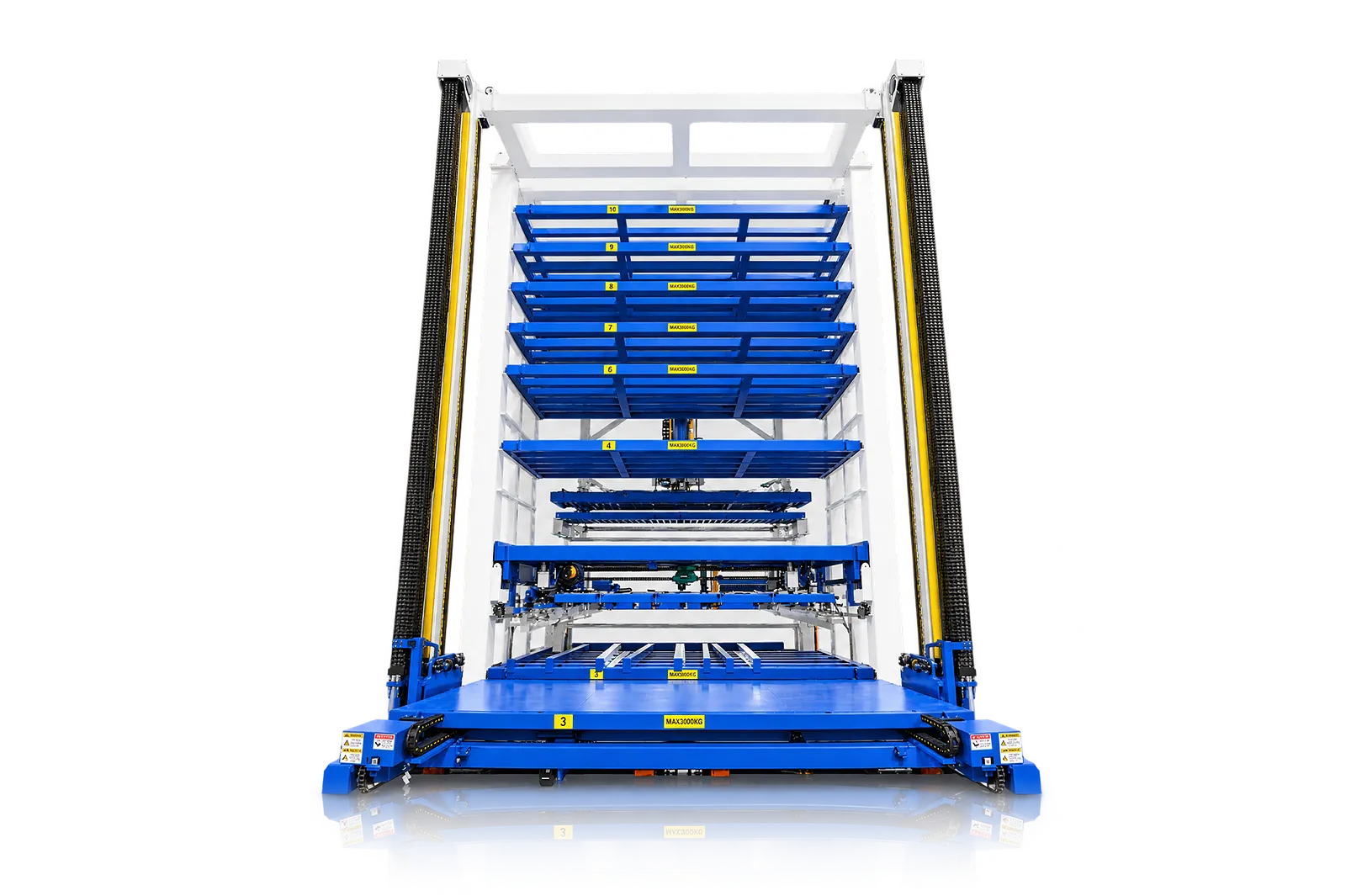
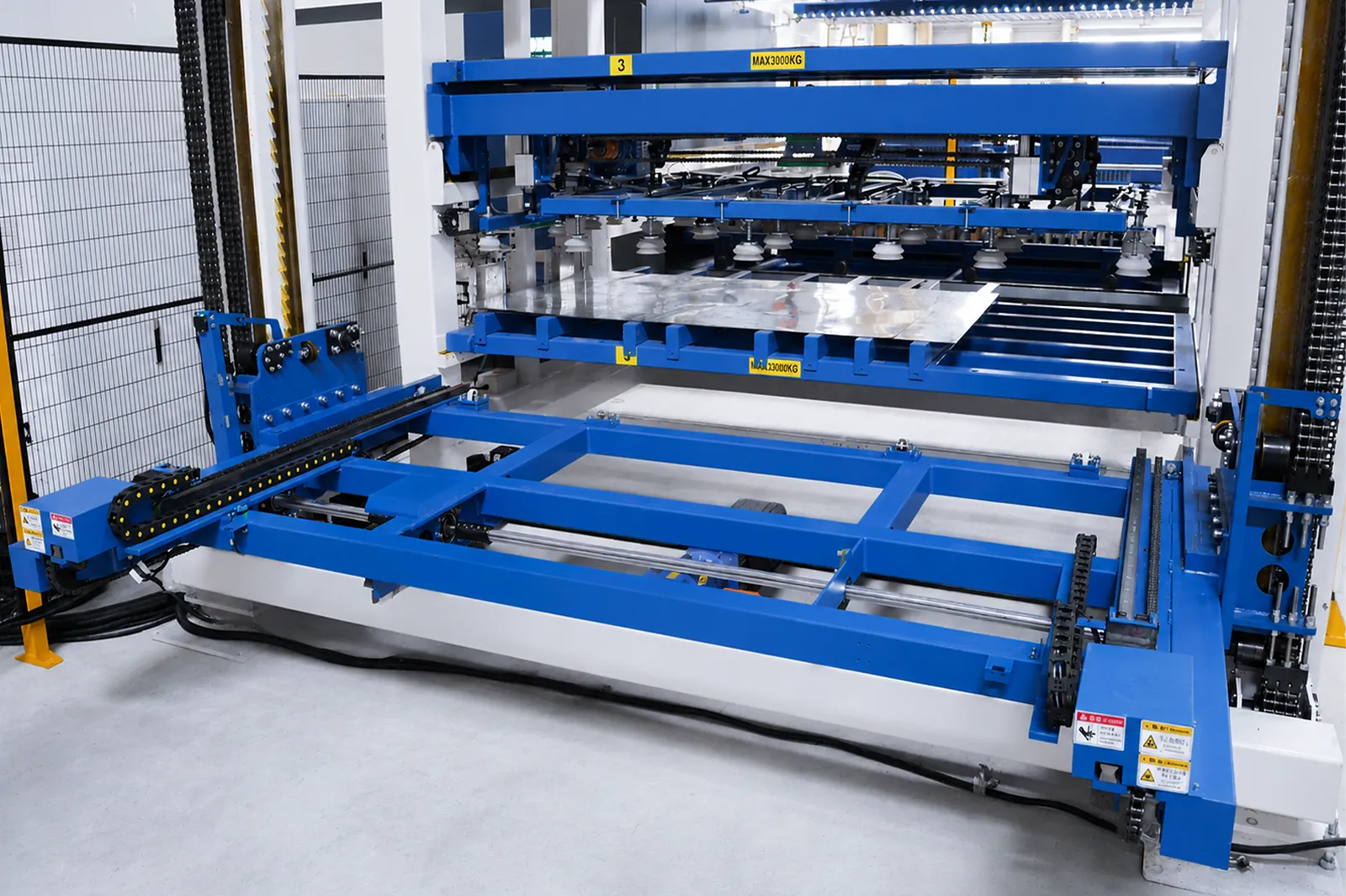
Tower storage
Tower storage holds raw sheets and return material in defined locations.
Select layer count, pallet size and payload for the material mix.
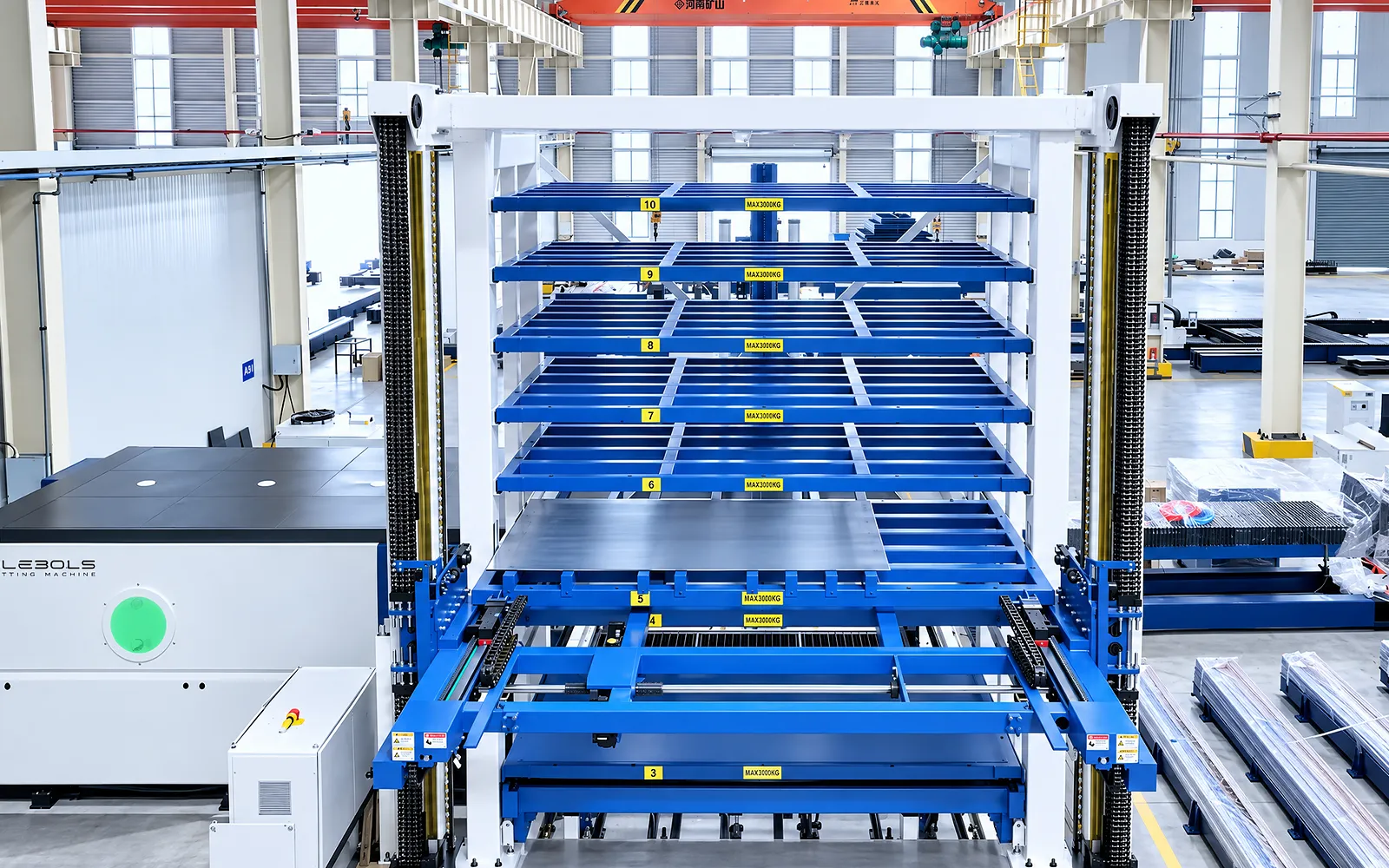
Stock access
The storage plan determines how material is identified, retrieved and replenished for the next job.
Allow for manual access and replenishment within the site layout.
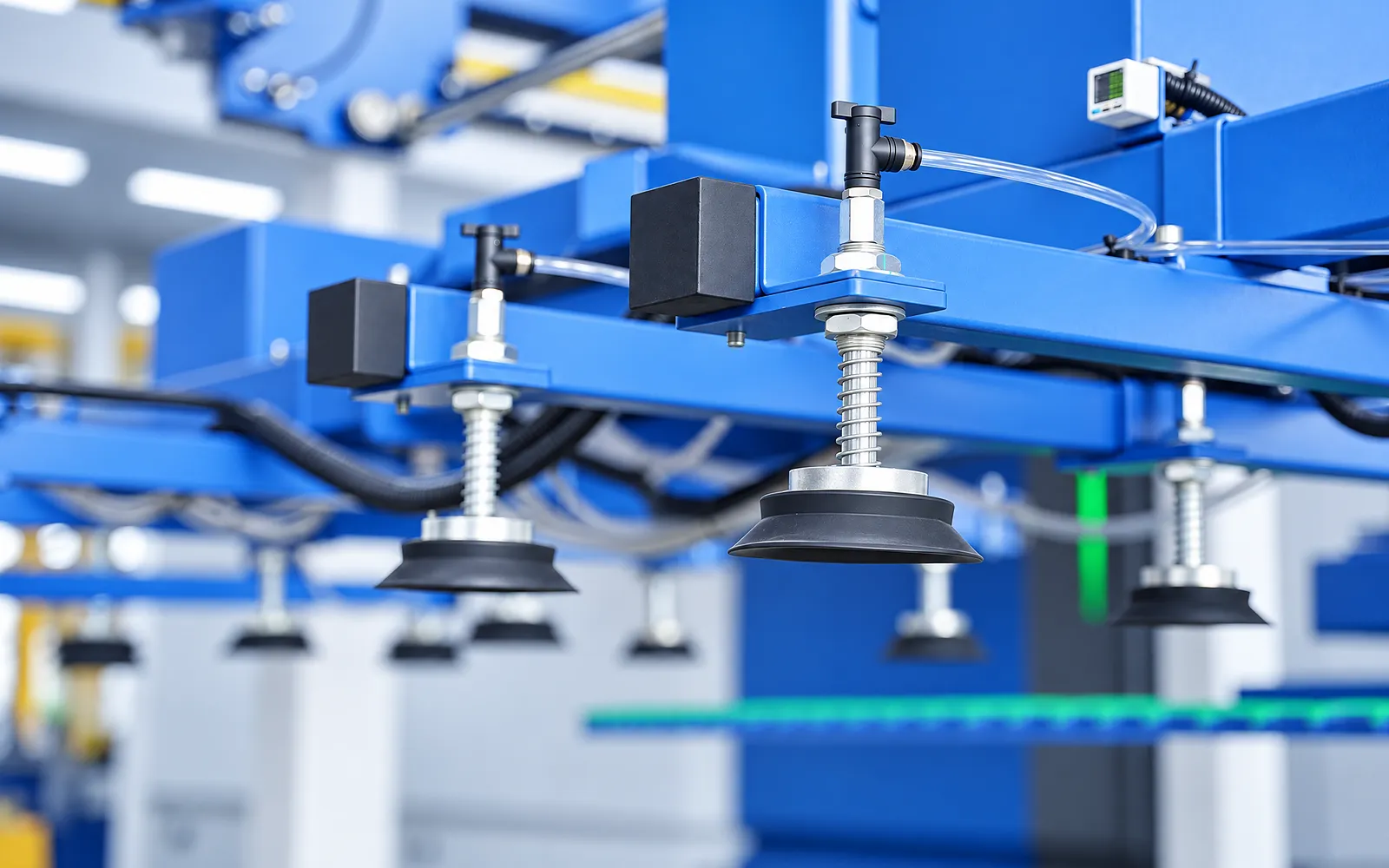
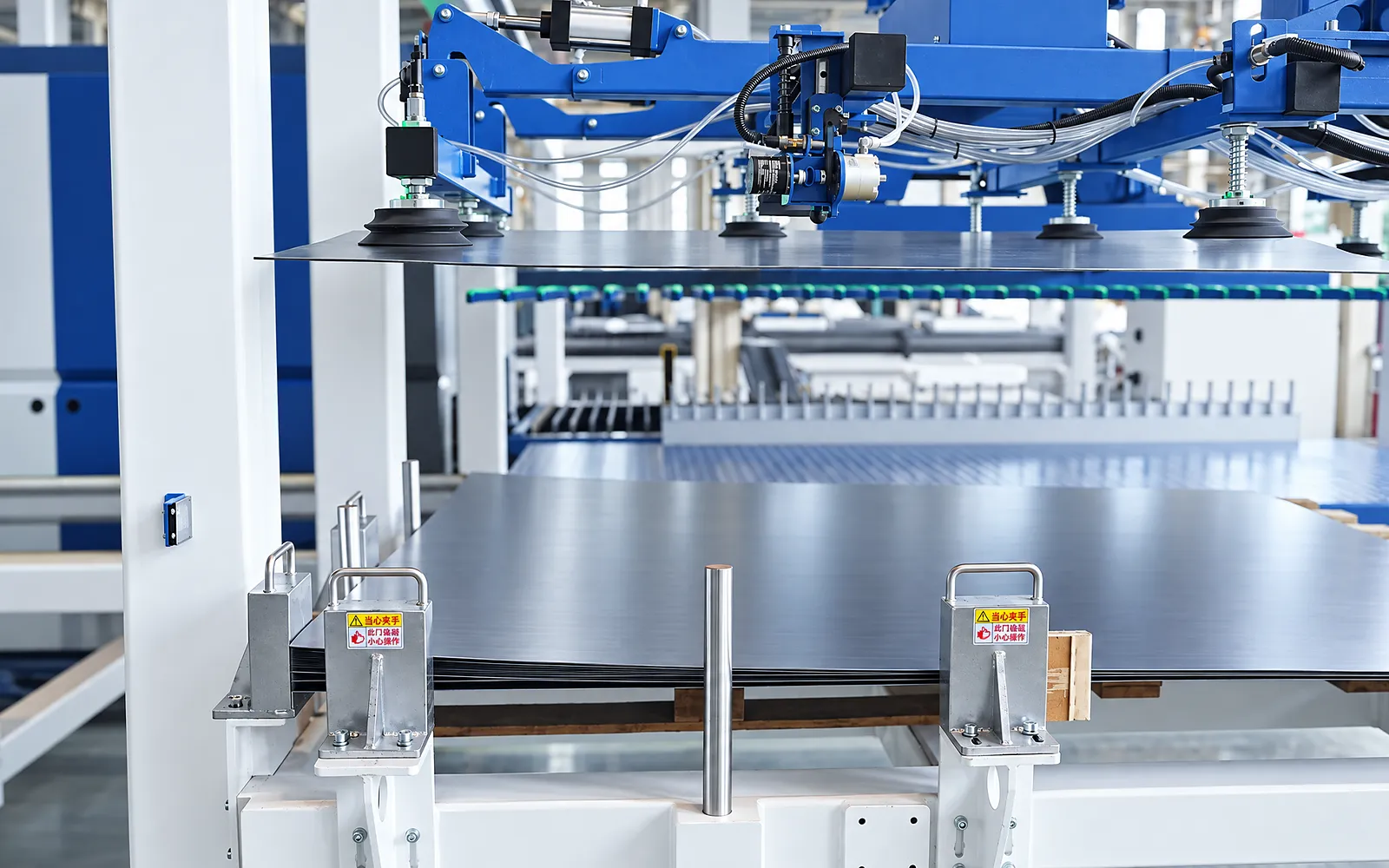
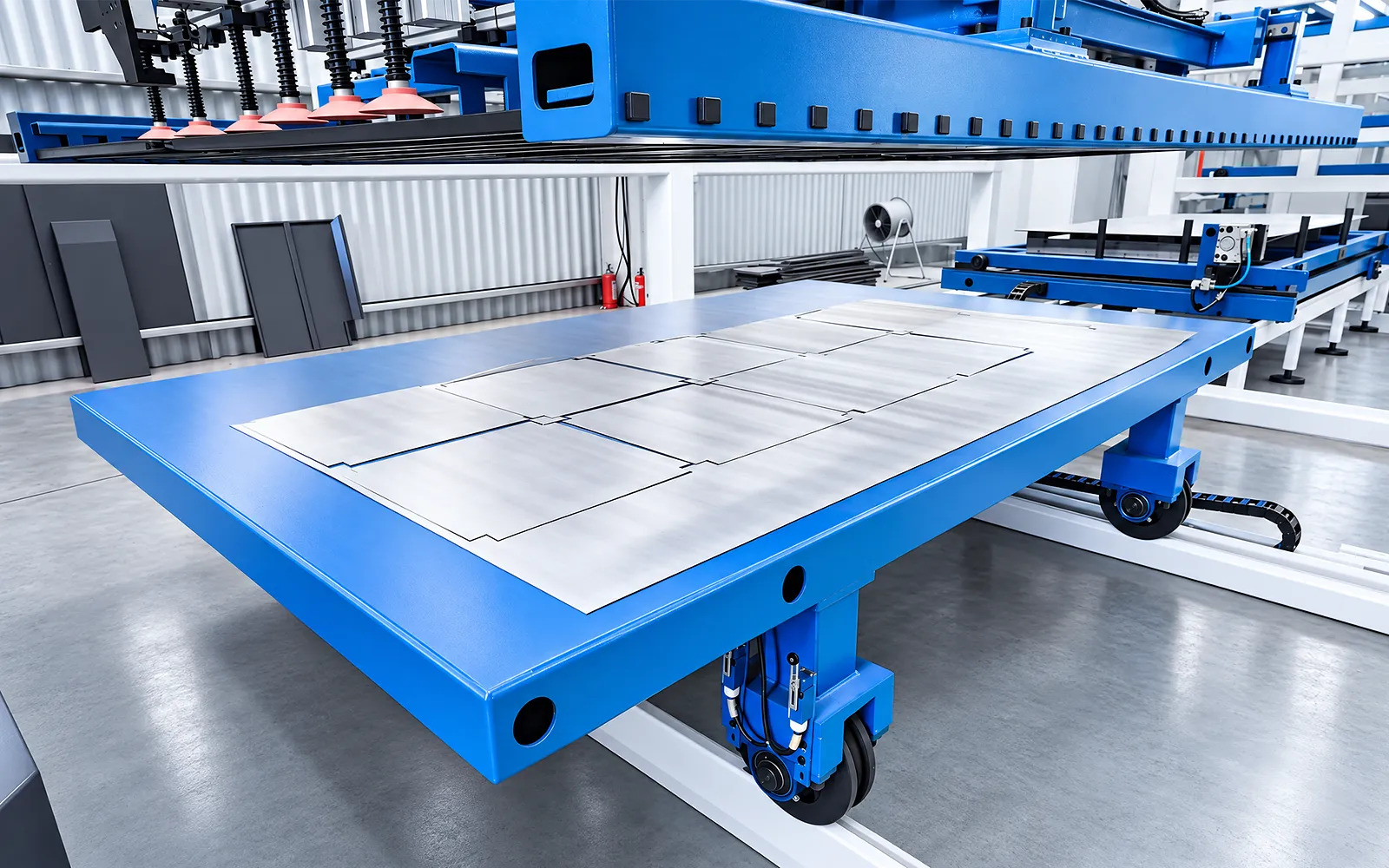
Sheet pickup
The loader picks up and transfers the selected sheet to the external exchange table.
Match pickup zones to the sheet surface and format, including surface protection.
Sheet separation
Separation connects reliable stock retrieval with the loading sequence.
Define double-sheet detection and recovery from a failed pickup for the configured loader.
03
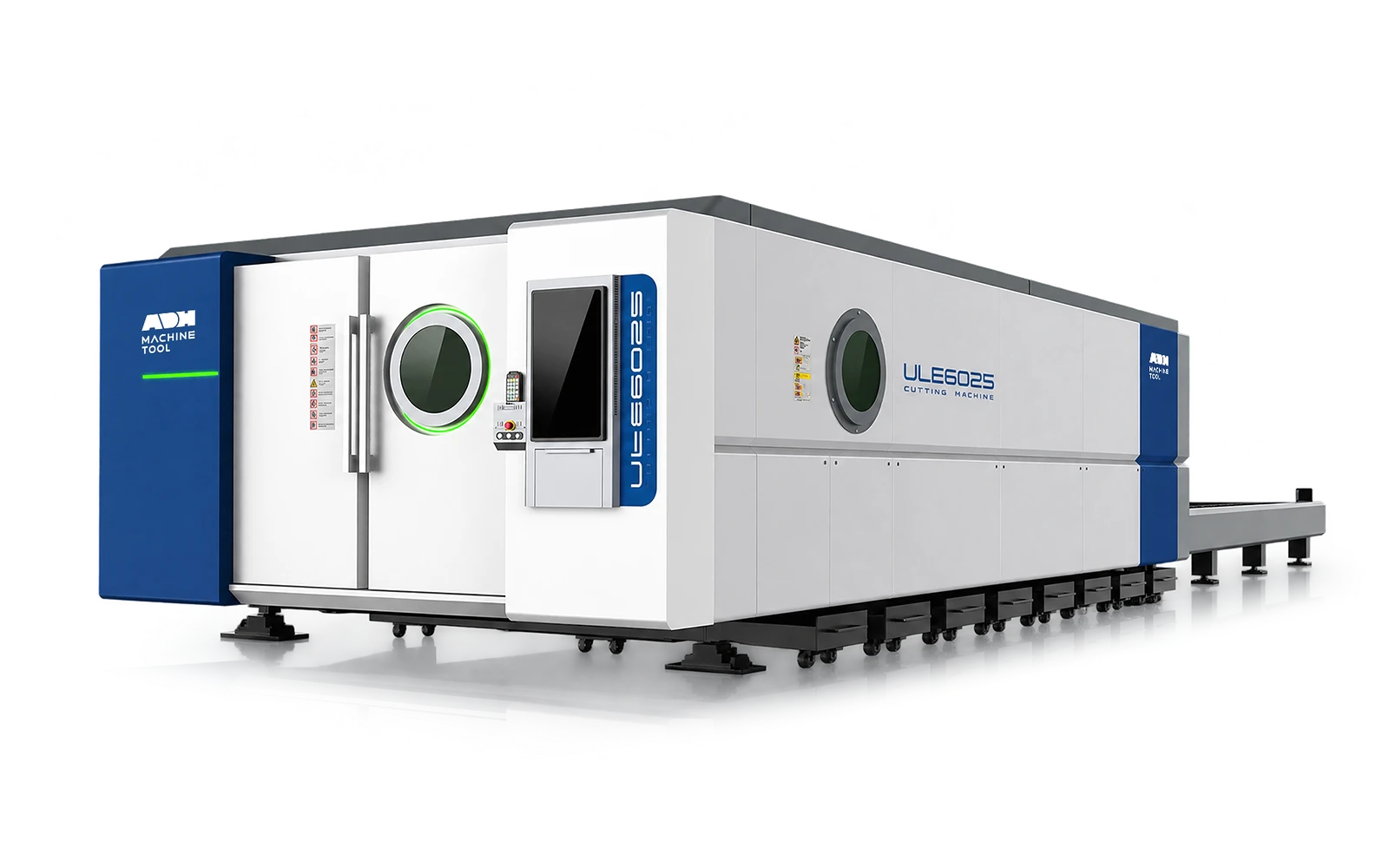
The ULE host allows external handling to prepare one table while the other remains in the cutting workflow. The exchange sequence connects the host to the surrounding cell.
Use the selected ULE model for power, format, motion and table load. Balance preparation and cutting time for the intended job mix.
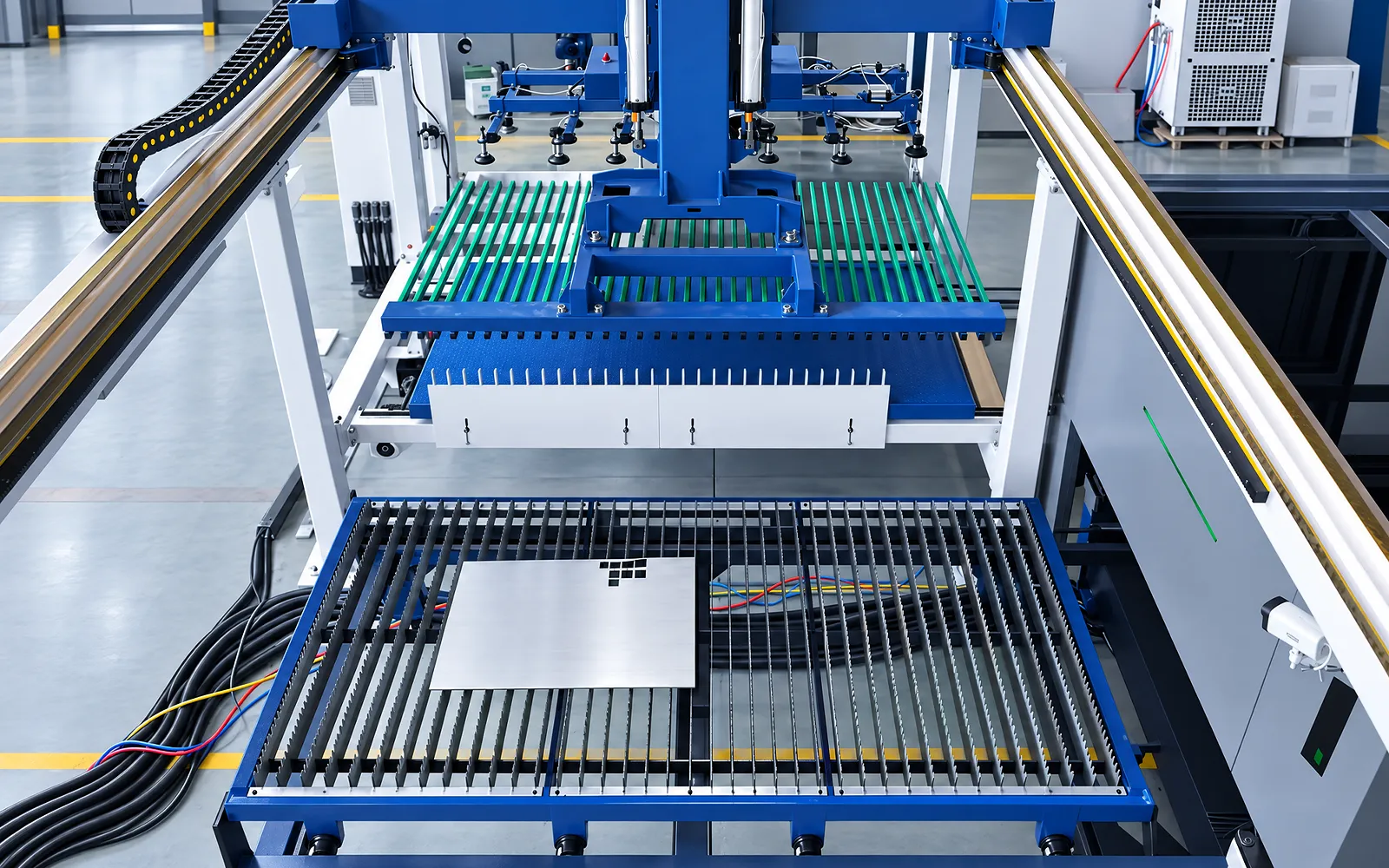
Part sorting
The configured sorting route determines where finished parts are placed after cutting.
Specify part families, handling and buffers. Automatic sorting is included only when agreed in the system scope.
Skeleton removal
Skeletons need a removal destination so the table can be prepared for another load.
Define the handling method and output space for the expected sheet formats.
Remnant return
Reusable remnants need a return route separate from finished parts and waste.
Specify remnant identification, tracking and storage as part of the configured flow.
Cell control
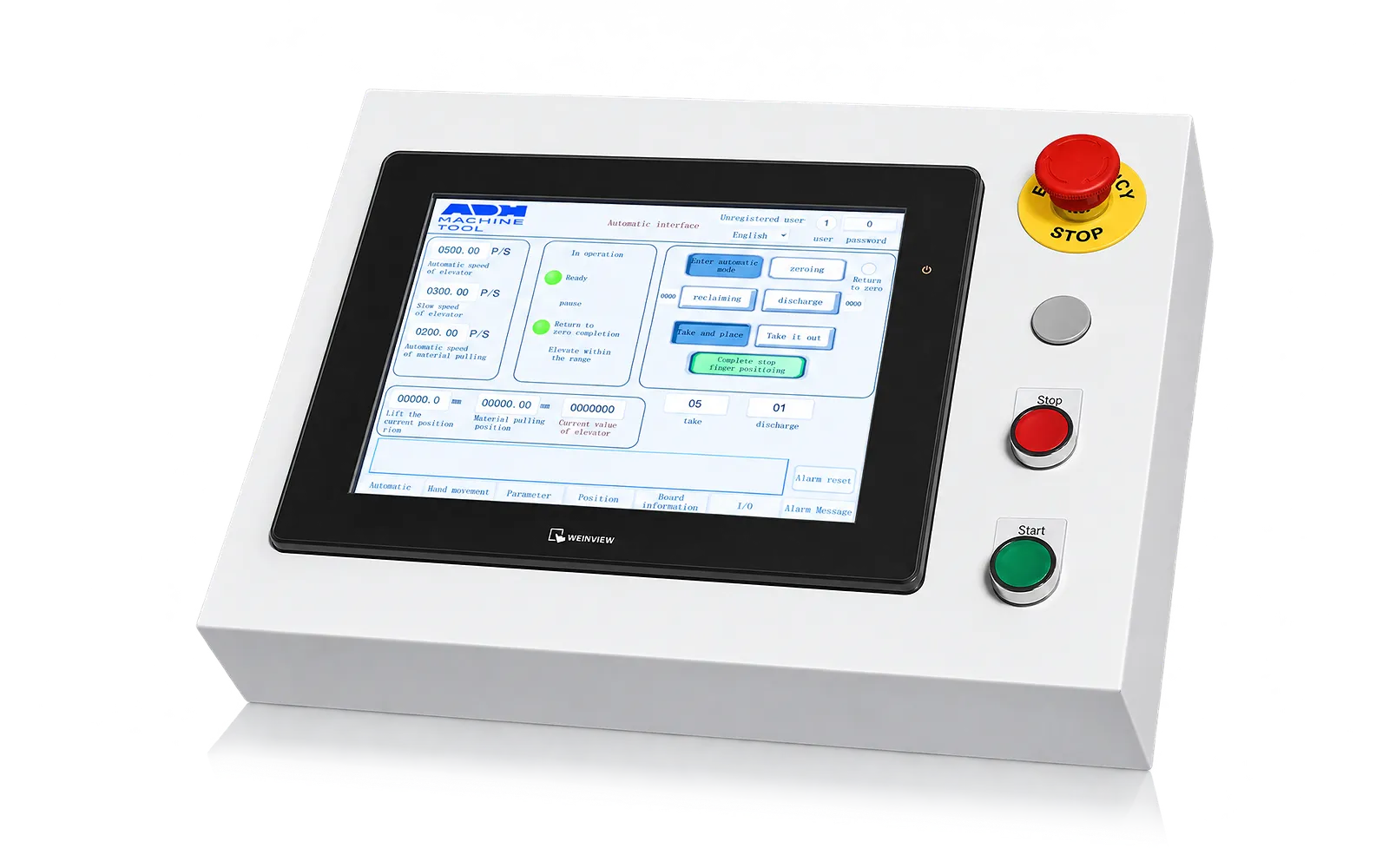
PLC and HMI logic coordinate storage, loading, cutting and unloading using equipment status and material availability.
Define protocols, data fields, user roles and network responsibilities for any MES/ERP interfaces.
Recovery
Alarms and stopped states determine when the cell needs operator attention.
Agree guarded access, intervention points and the recovery sequence before returning to production.
06
A representative job set exercises retrieval, loading, exchange, cutting, sorting and material return. Include replenishment, changeovers and stopped-job recovery.
Agree parts, materials, inspection points and interface tests. Judge performance over the configured flow, including handling and operator interventions.
Configuration and interface boundary
Configure the ULE cutting host, storage and handling modules for your floor plan and workload. Agree equipment handoffs, data interfaces, safeguarding and recovery procedures in the proposal.
Connect the ULE exchange-table laser to storage, sheet loading, unloading and coordinated production control as one cell.
Confirm tower capacity, loading and unloading, skeleton and remnant return, vision, one-to-many layout and MES connections for the site.
Define material flow, order and status handoffs, PLC/HMI or MES fields, guarded zones, interventions, alarms, restart states and acceptance evidence.
Pre-quote checklist
Confirm pallets, sheet separation, loading, exchange, unloading, sorting and remnant ownership.
Agree order release, inventory status, PLC/HMI, barcode or MES/ERP fields, user roles and safety interfaces.
Specify intervention, paused jobs, missing material, alarms, restart states and the evidence used to accept the configured cell.
Engineering process
Develop the cell in four stages, from production requirements to a tested working cycle.
01
Set sheet formats, materials, weights, pallet rules, product mix, order pattern, operating window and the selected ULE host.
02
Lay out tower replenishment, retrieval, separation, loading, table exchange, cutting, unloading, remnants, access and recovery in the available site.
03
Specify machine and PLC handshakes, any MES field map, users, network, guarded zones, stop states, interventions and restart checks.
04
Run the agreed cycle from order release through retrieval, loading, cutting, unloading and inventory or status update with customer material and data.
FMS planning
Use these questions to plan the layout, system connections and acceptance test.
Provide sheet formats, materials, weights, pallet rules, part mix, order and shift pattern, output target, selected cutting host, available layout and destination.
The ULE model, exchange tables, storage, loading, unloading, remnant flow and maintenance access must work as one physical system.
MES integration requires a compatible interface and agreed data fields, permissions, network responsibilities and error handling. Confirm feasibility for your system and test the connection before acceptance.
Run an agreed full cycle with customer material and data: order release, retrieval, separation, loading, cutting, unloading, status update, safe stopping and recovery.
Related machines & selection
Through the machine lifecycle
Find the training, maintenance guidance and parts support your team needs. Services and availability are confirmed for your machine and location.
Before start-up
Prepare utilities, lifting and the installation area, then coordinate start-up and handover.
Review installation supportBefore production
Build the operator, programming and maintenance skills required for your delivered machine.
Explore trainingIn operation
Get support with the machine model, serial number and a clear description of the issue.
Request technical supportPlanned spares
Identify your machine and component so our team can check compatibility and availability.
Request service or partsSelf-service
Find video guidance for operating and maintaining your ADH machine. Check relevance to your model and configuration.
Browse support videosContract scope
Your quotation or contract defines included services, warranty, exclusions and responsibilities.
Review service scopeSee equipment options for the parts your industry produces.
Project enquiry
Tell us what you want to make or improve. Technical details and drawings can follow.
Contact ADH
Name, email and a short description are enough to begin.