01 / DIAGNOSIS
Technical support
Describe the symptoms, alarms and recent changes. Add clear photos or video.
Report a machine problem →Machine support
Contact ADH Care for machine support or spare-part identification. Share the machine model, installed location, serial number if available and a short description of the fault or part required.
Choose the support task
Choose the task that best matches your request. ADH will confirm the next action and applicable terms.
01 / DIAGNOSIS
Describe the symptoms, alarms and recent changes. Add clear photos or video.
Report a machine problem →02 / UPKEEP
Share operating hours, maintenance history, current condition and the inspection or service task being considered.
Request maintenance planning →03 / PARTS
Include the machine identity, part location, part marking, dimensions where relevant and photographs of the installed component.
Request part identification →04 / PEOPLE
Define the machine, controller, participant roles, current experience and the operating or maintenance topics to cover.
Describe training needs →05 / SOFTWARE
Record the machine, controller, software name and version, licence context, network setup and the workflow affected.
Request software support →06 / WARRANTY & ACCEPTANCE
Include the quotation or order reference, delivery or commissioning stage, acceptance criteria and relevant photos or documents.
Send order details →Information that helps diagnosis
Use close and wide photographs, readable labels, the operating sequence and a concise description of what changed.
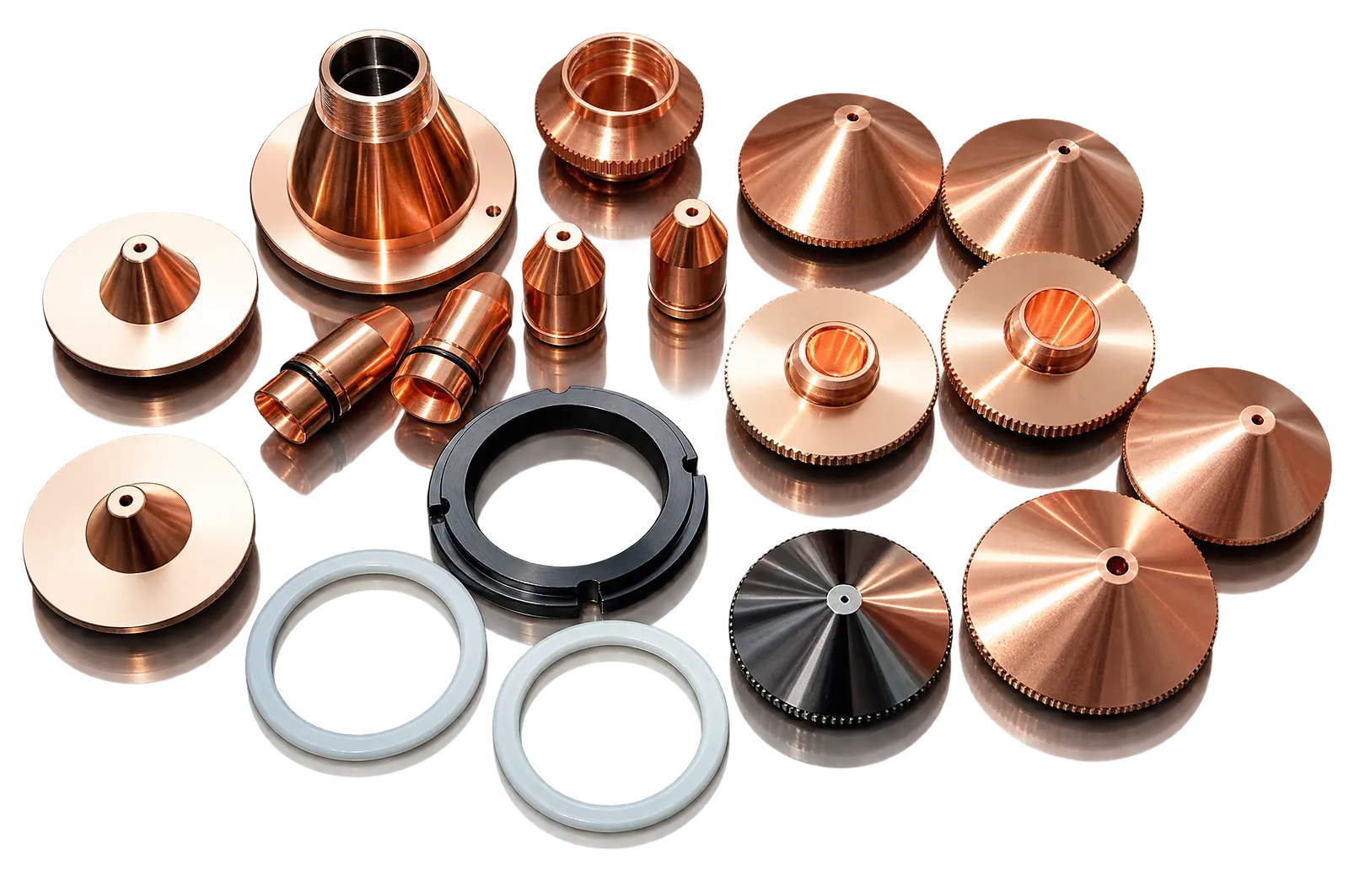
Part identification
Photograph the component in place, its marking and connector or mounting details; include measurements only when they can be taken safely.
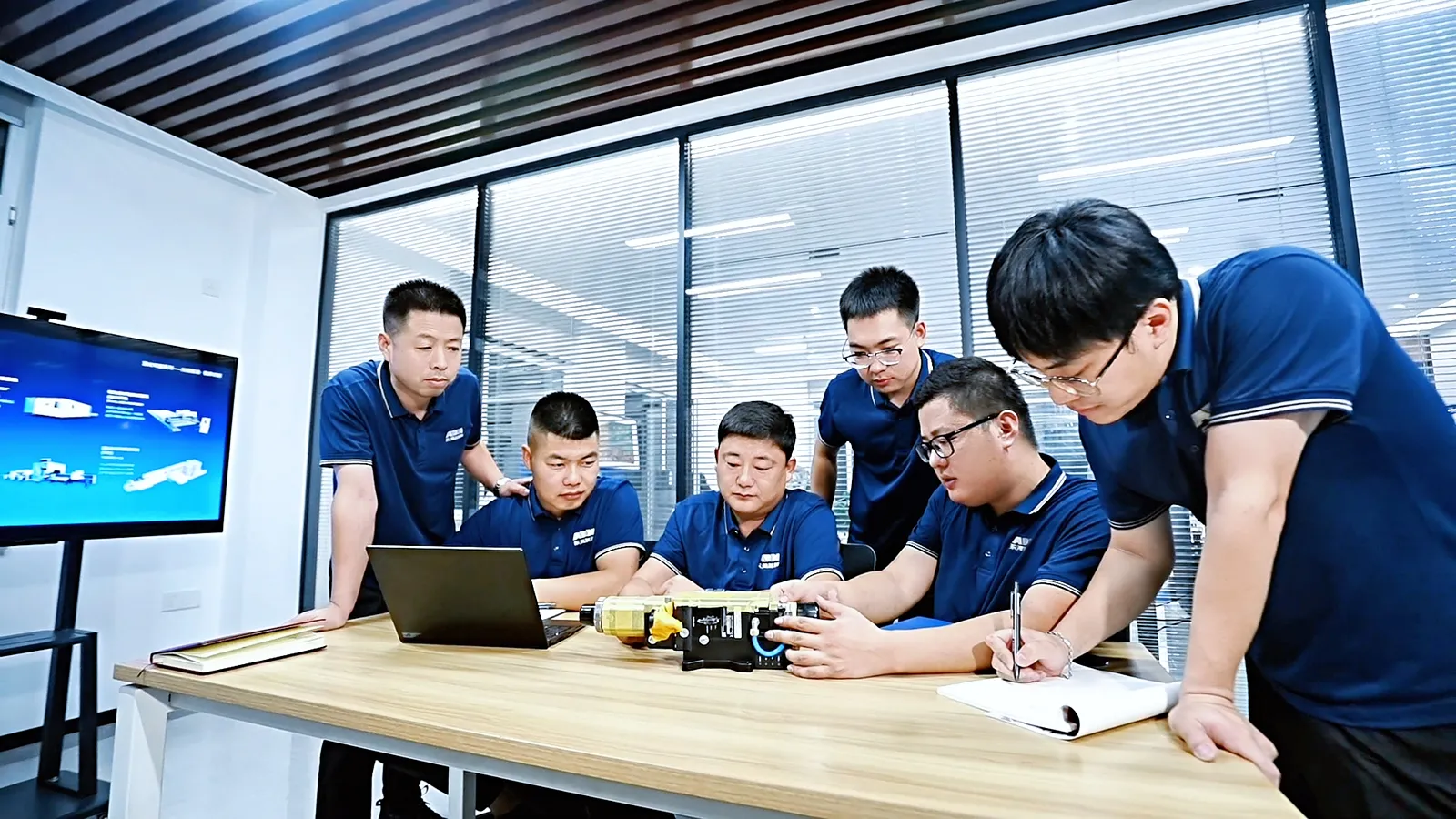
Training context
Separate operator, programmer and maintenance needs so training content matches the actual machine and tasks.
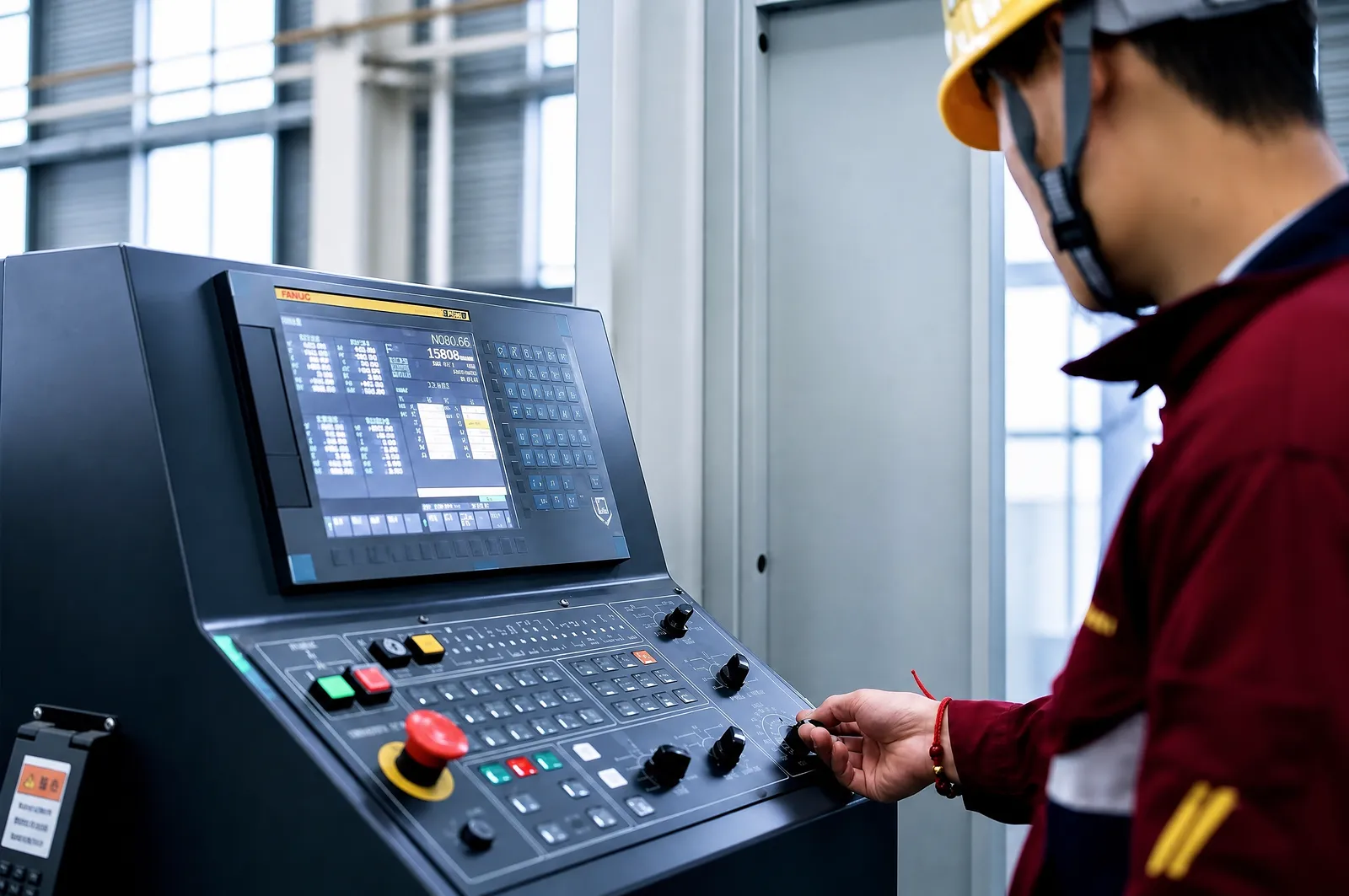
Software context
Capture the software and controller versions, licence or connection context, screenshots and the exact step where the issue appears.
Automated cell support
For an automated cell, list machine and software versions, connected modules, data interfaces, safety functions and the organization responsible for each handoff.
Machine and control
Record machine model, controller, software and firmware versions, axes, options, alarms and the current operating condition.
Handling and safety
Identify loaders, robots, towers, sensors, guards, interlocks, permitted interventions and the checks required before restart.
Data and responsibility
Record approved remote access, protocols, data fields, logs, backups, cybersecurity responsibilities and the supplier responsible for each diagnostic action.
How a support request progresses
ADH uses the machine details and reported issue to agree a suitable next action.
STEP 01
Record the model, serial number, controller, commissioning context and current operating state.
STEP 02
Describe symptoms, alarms, sequence, production impact, recent changes and checks already attempted.
STEP 03
Determine whether the request concerns diagnosis, parts, maintenance, training, software, warranty or acceptance.
STEP 04
ADH and the customer record the requested information, proposed remote or onsite action, responsibilities and commercial terms.
Support request
Describe the issue and identify your machine so ADH can help with troubleshooting, parts or service.
Start your request
Complete the details you have. The serial number is optional for an initial request; include an order reference or nameplate photo link if available.