
Best for
New-machine or controller-upgrade decisions
Press Brake Upgrade
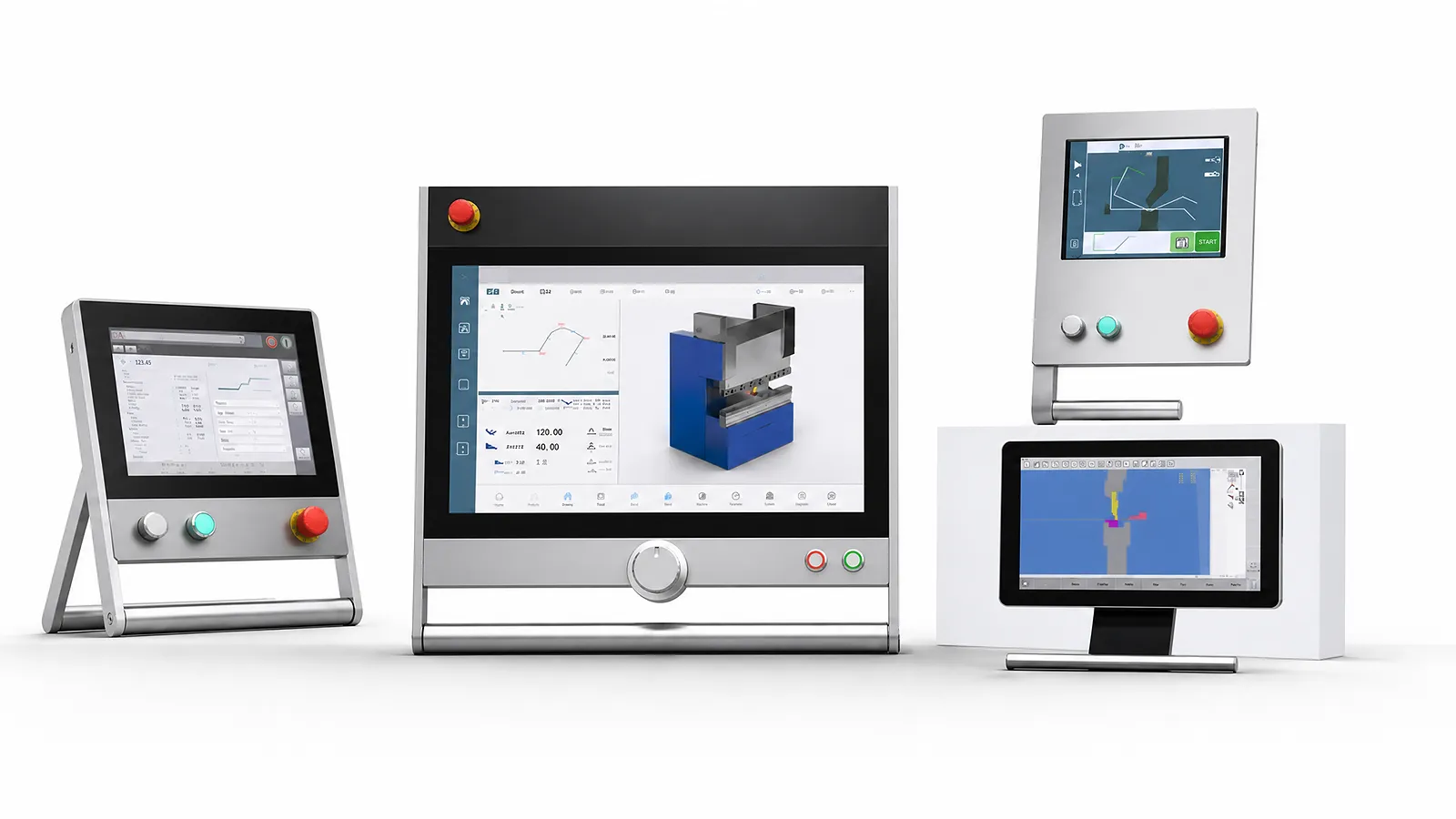
Choose CNC controls for the programming, axes and operator tasks your machine requires. Compare Delem, Cybelec and ESA options.
Best for
New-machine or controller-upgrade decisions
Compare
DELEM, CYBELEC and ESA control options
Confirm
Axes, sensors, software, data and operator workflow
Information Needed
Send the current controller, axes, programming method, machine options and operator tasks.
01 / PART
Describe geometry, bend sequence, repeat work, drawing import and required graphical support.
02 / MACHINE
List ram, backgauge, crowning, safety, angle-measurement and drive interfaces.
03 / PEOPLE
Describe setup, offline preparation, training, data transfer and the screens operators need.
Controller options
Compare programming, simulation, controlled axes and machine interfaces on the model cards. The controller version and the machine’s drives, sensors and installed options determine the functions available on the finished press.
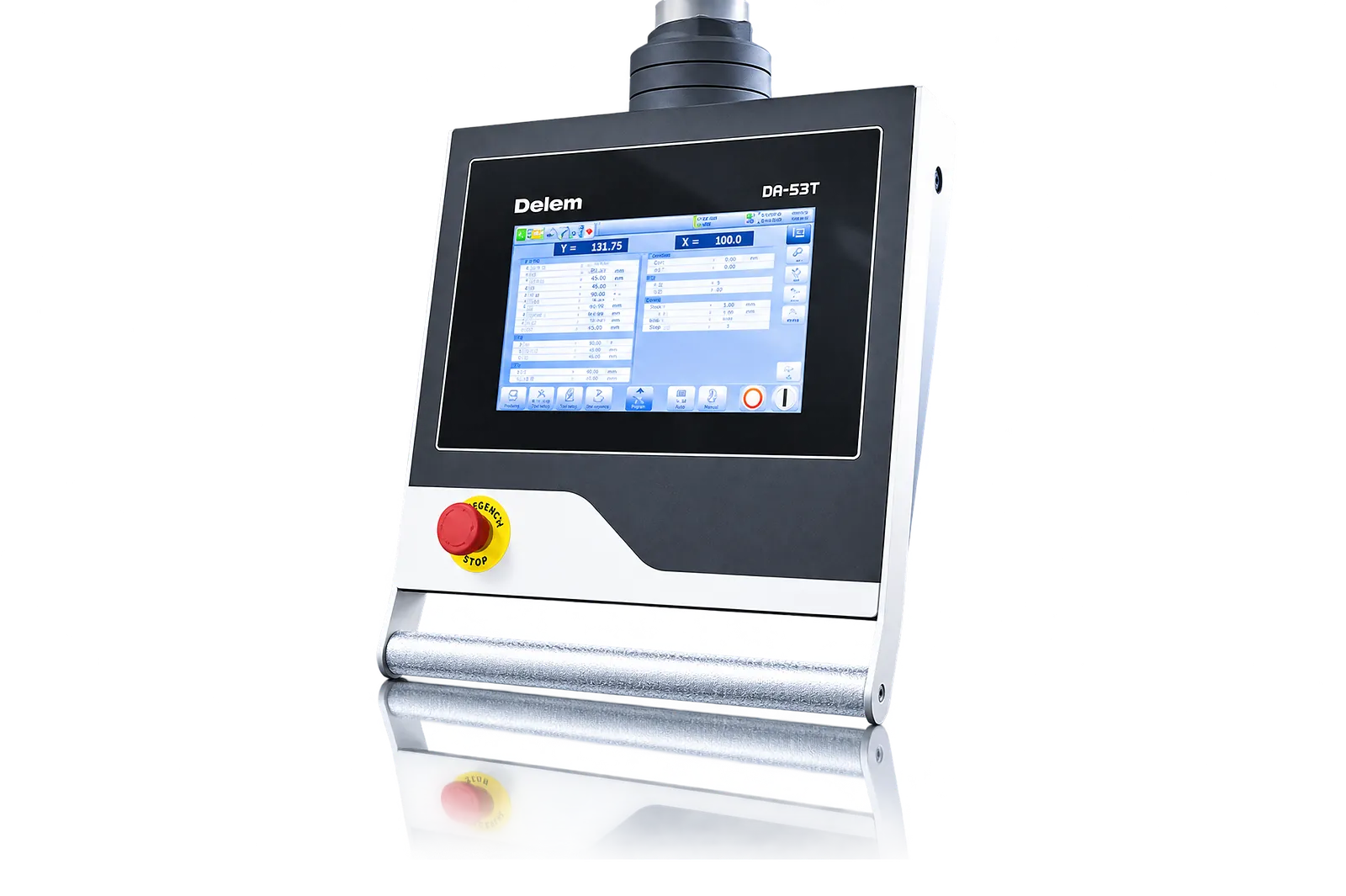
Enter bends numerically on the touchscreen. The DA-53T supports up to four axes, including Y1/Y2 and two auxiliary axes. Check the X and R or Z backgauge arrangement, valve type and crowning interface. TandemLink is optional.
Download technical PDF →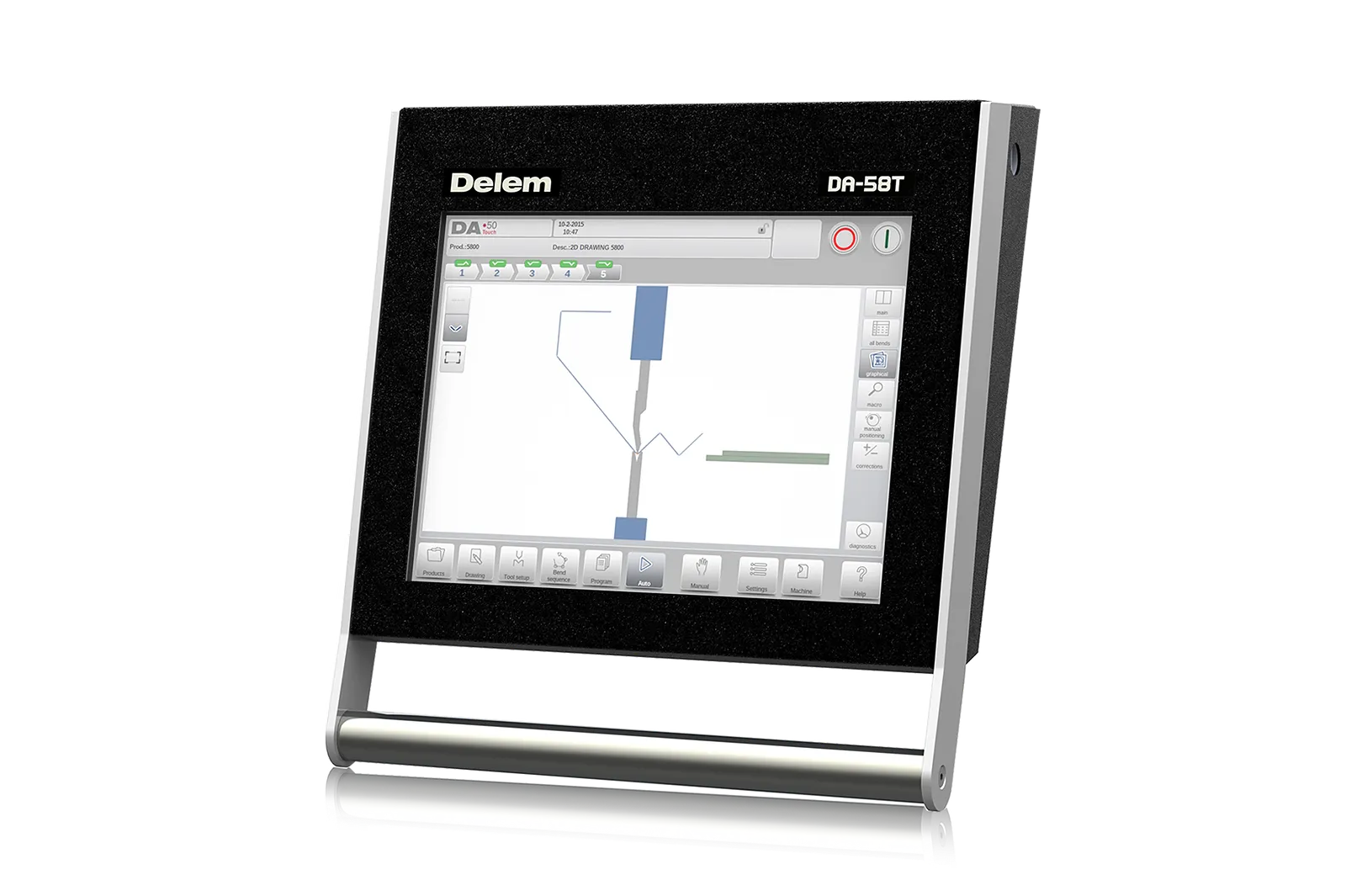
Draw and simulate the profile in 2D with automatic bend sequencing. The DA-58T controls Y1/Y2 and X, with R or Z as a second backgauge axis. Verify the backgauge and crowning connections for the machine.
Download technical PDF →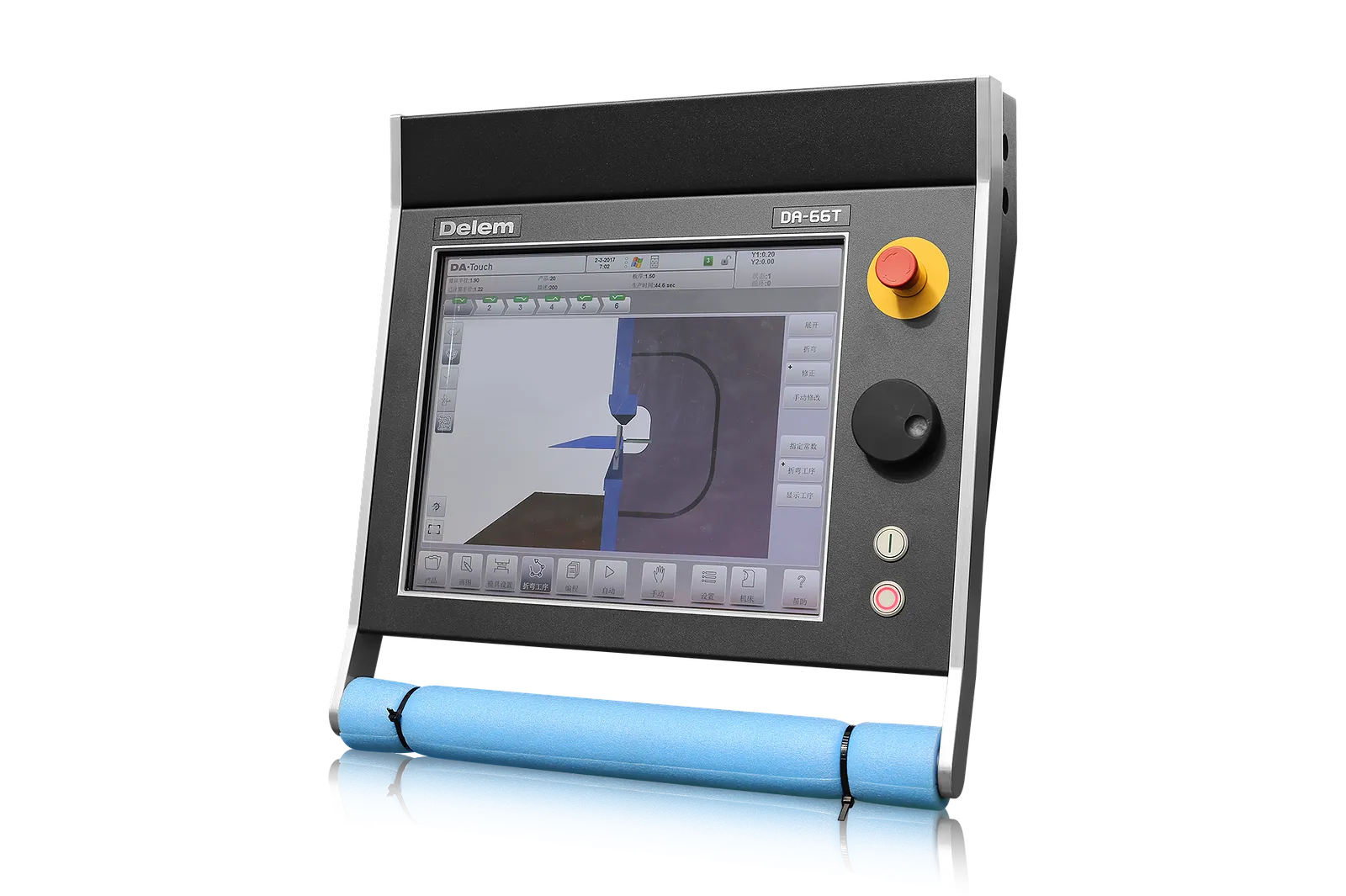
Program the part in 2D and simulate the machine, tooling and bend sequence in 3D. Axis count depends on the installed control modules. Verify axis feedback and any angle-correction interface.
Download technical PDF →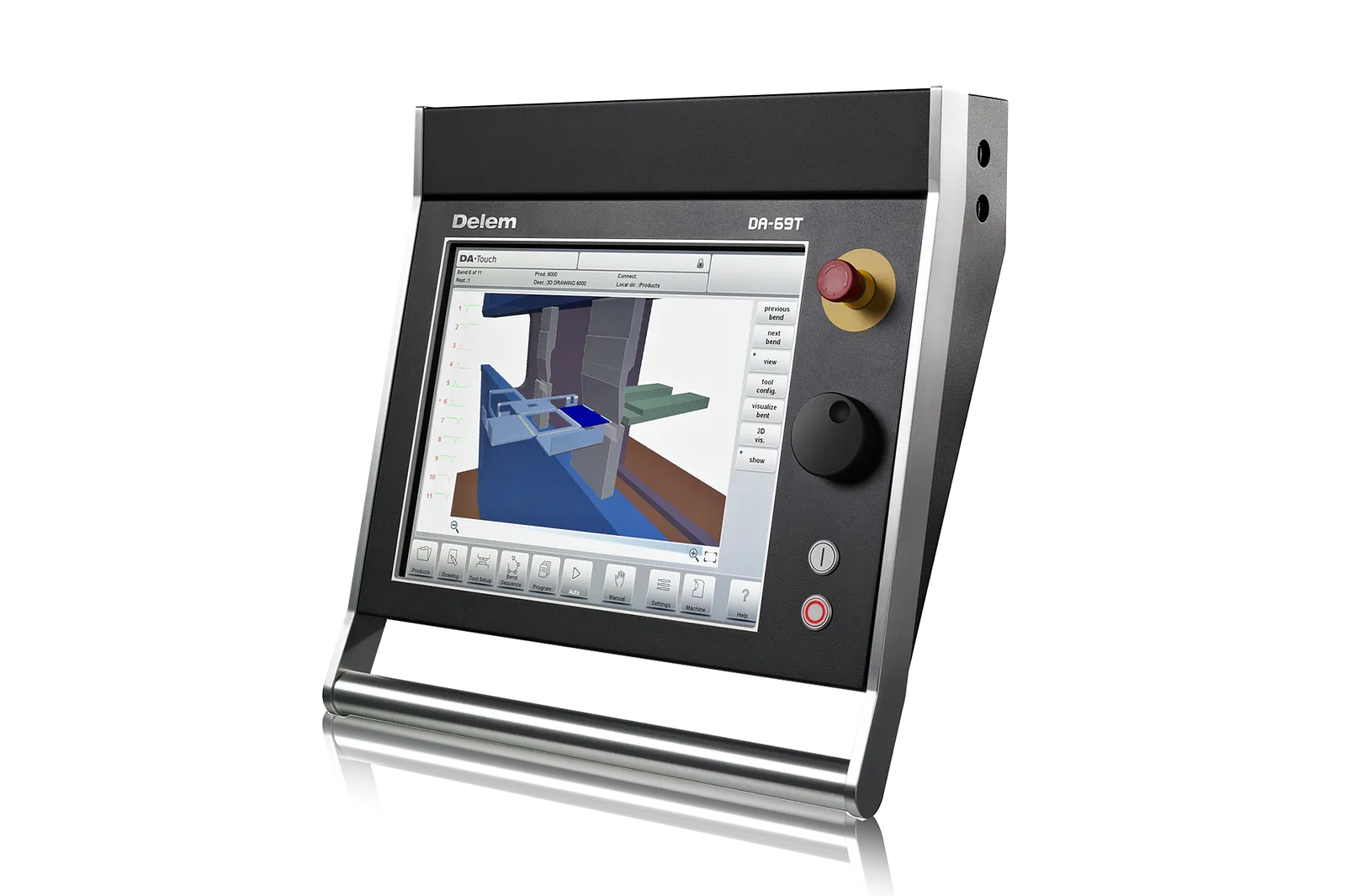
Program the part in 2D or 3D and check the tool setup and possible collisions in a 3D machine simulation. Confirm the configured axes, I/O modules and licensed functions against the press configuration.
Download technical PDF →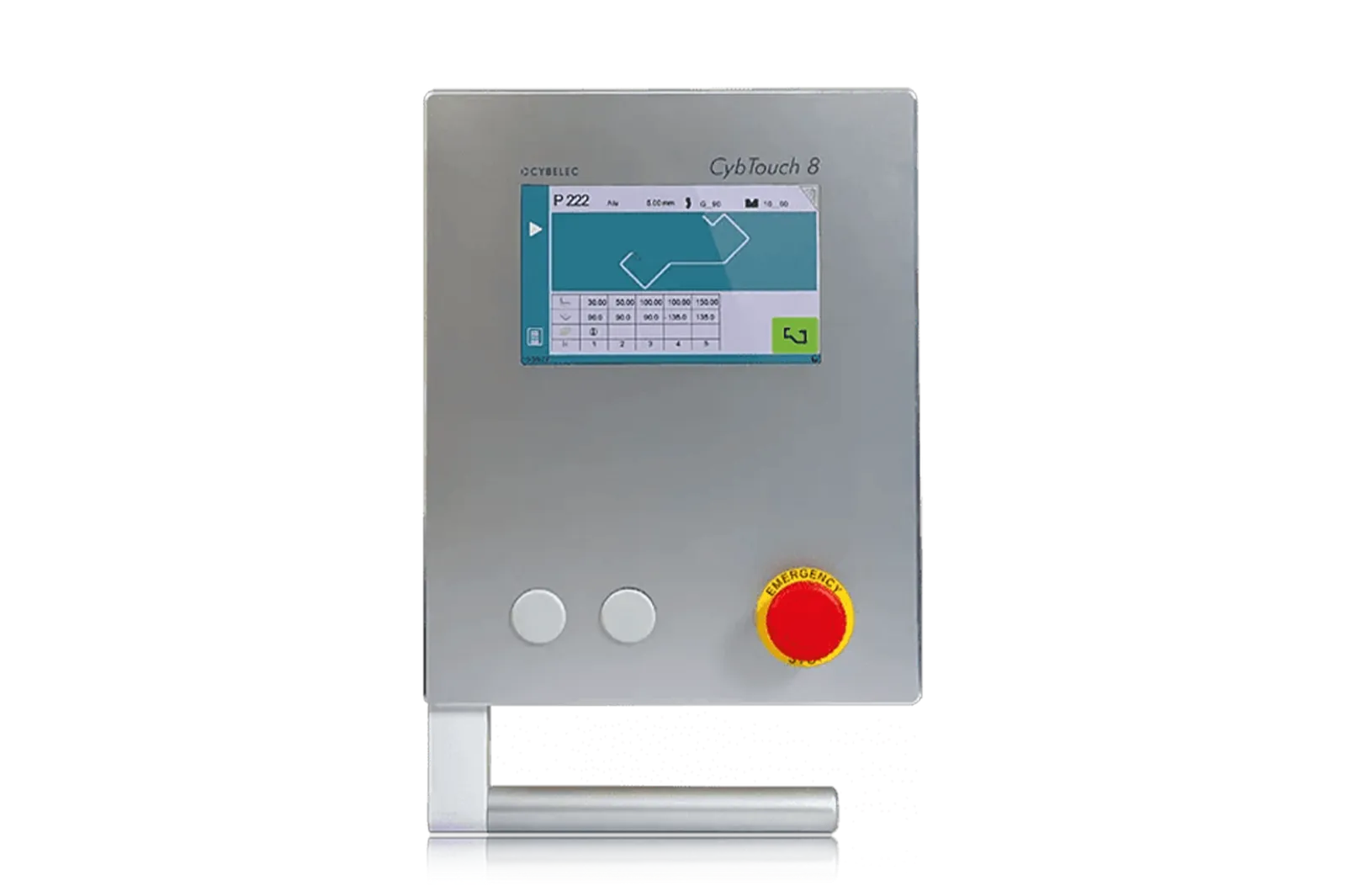
Enter bend data numerically on the three-axis control. A fourth axis and 2D profile drawing with manual sequencing are separate options. Check the installed axis count and programming options for the ordered press.
Download technical PDF →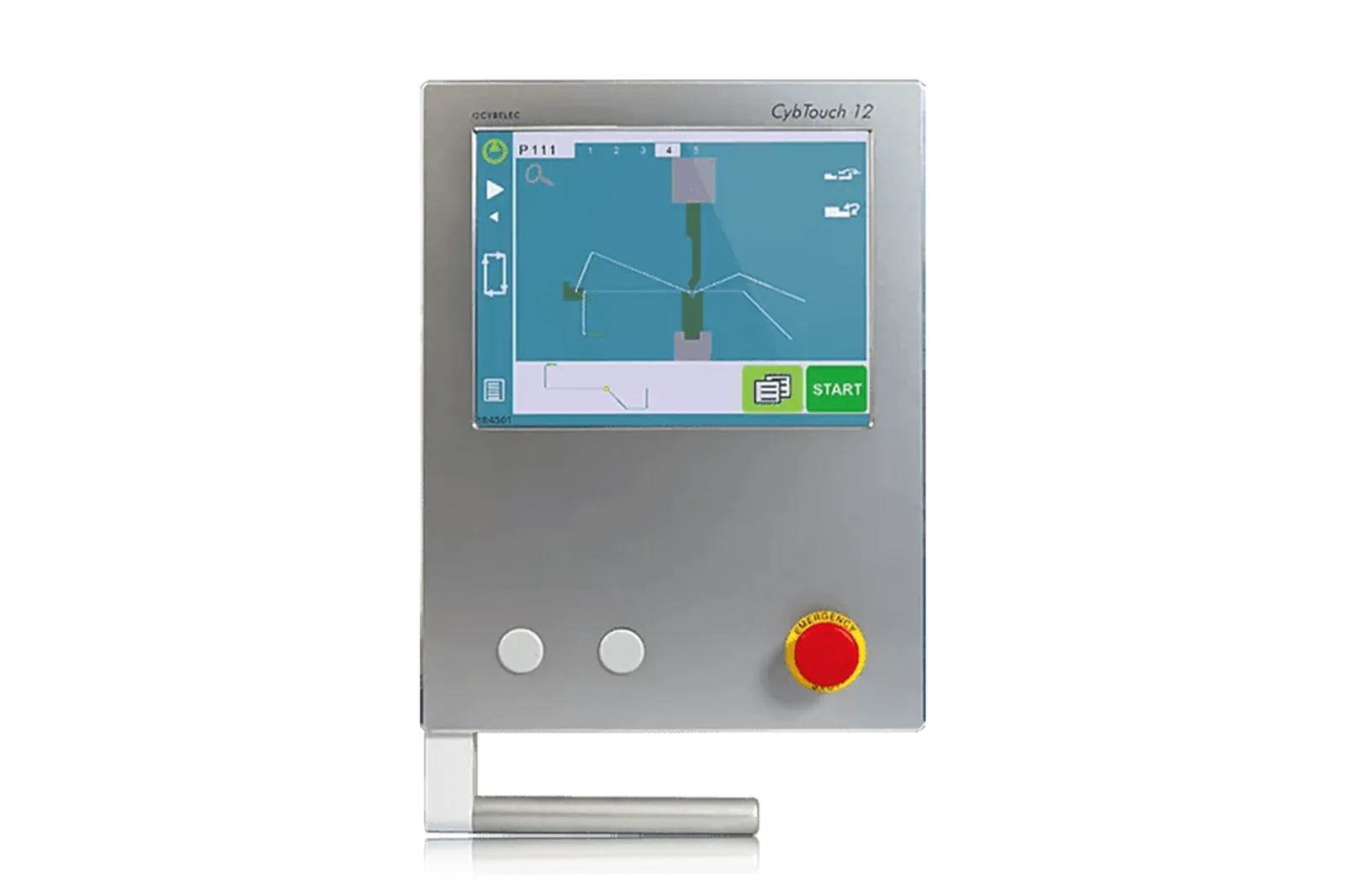
Draw a profile in 2D and set the bend sequence manually. Automatic sequencing is optional. The four axes are Y1/Y2, X and R. Check encoder, drive and valve interfaces against the existing machine.
Download technical PDF →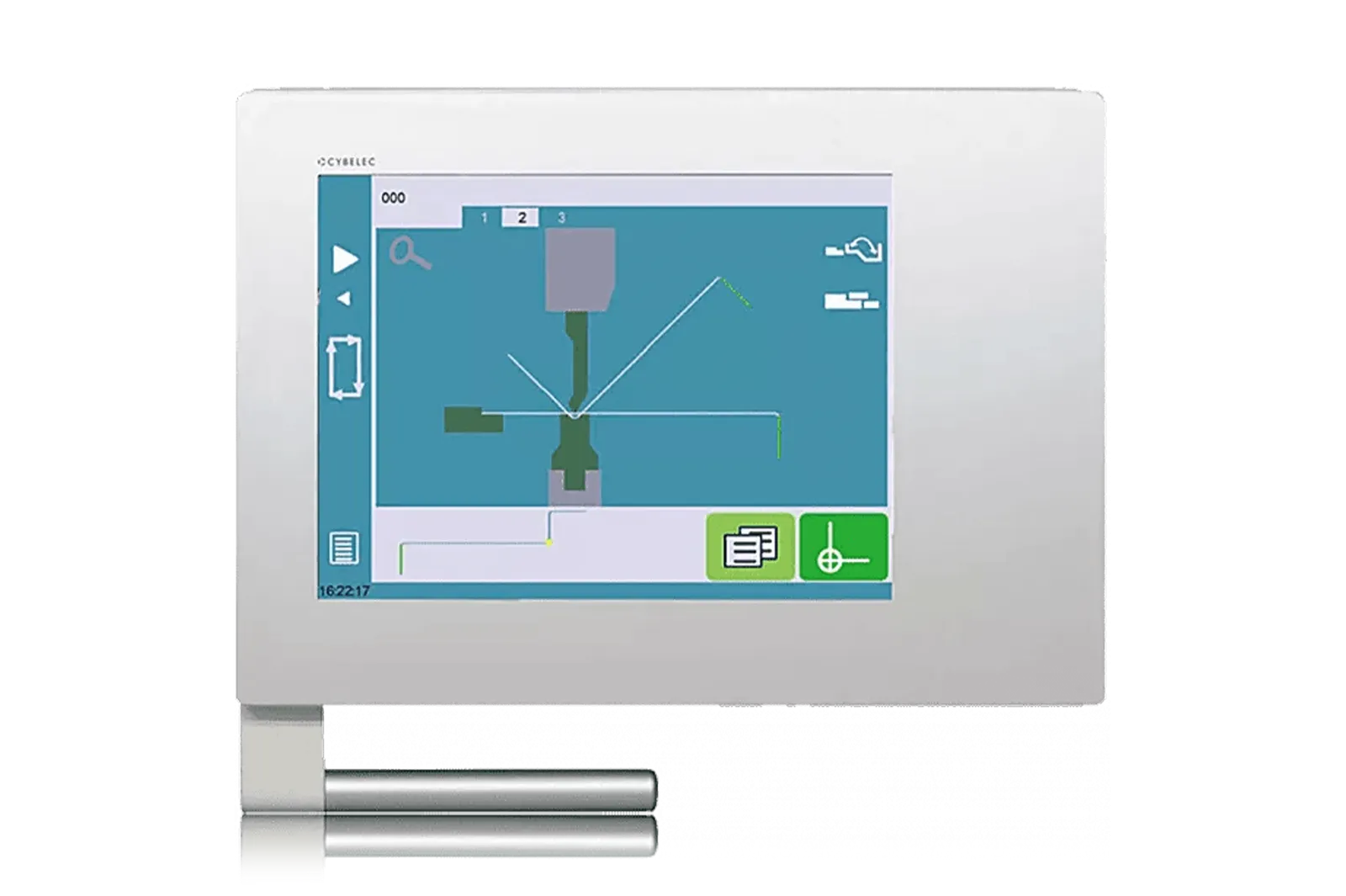
Draw profiles in 2D and calculate the bend sequence automatically. The four-axis package can be configured for six axes. Optional Z1/Z2 requires the CybMVA module for Y1/Y2. Check drive compatibility.
Download technical PDF →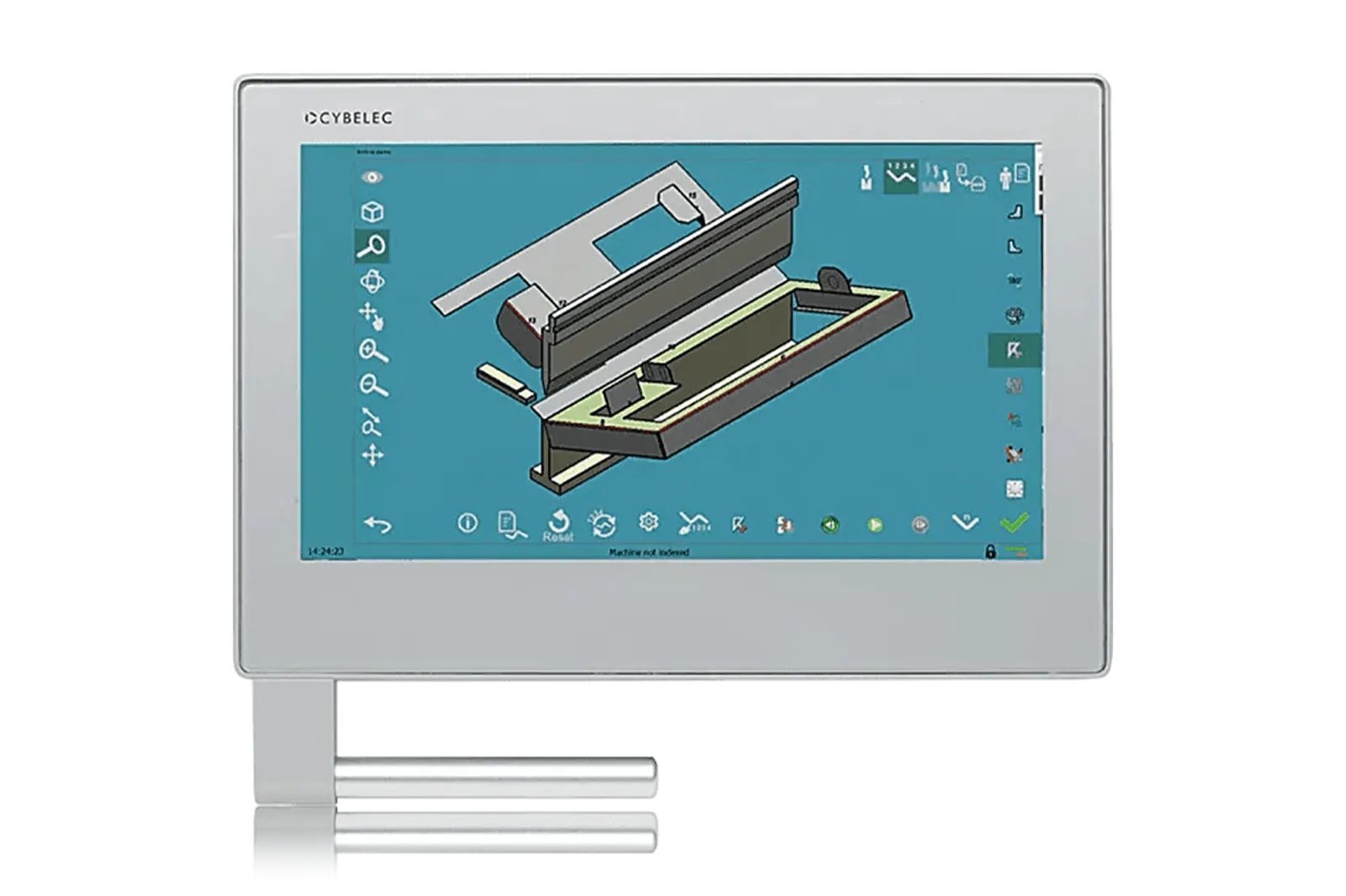
The S-CNC-34PS2 package includes four axes and 2D programming and simulation. CANopen links the control to the axis drives. Specify the axis layout and any VisiTouch 19 or MX offline software required.
Download technical PDF →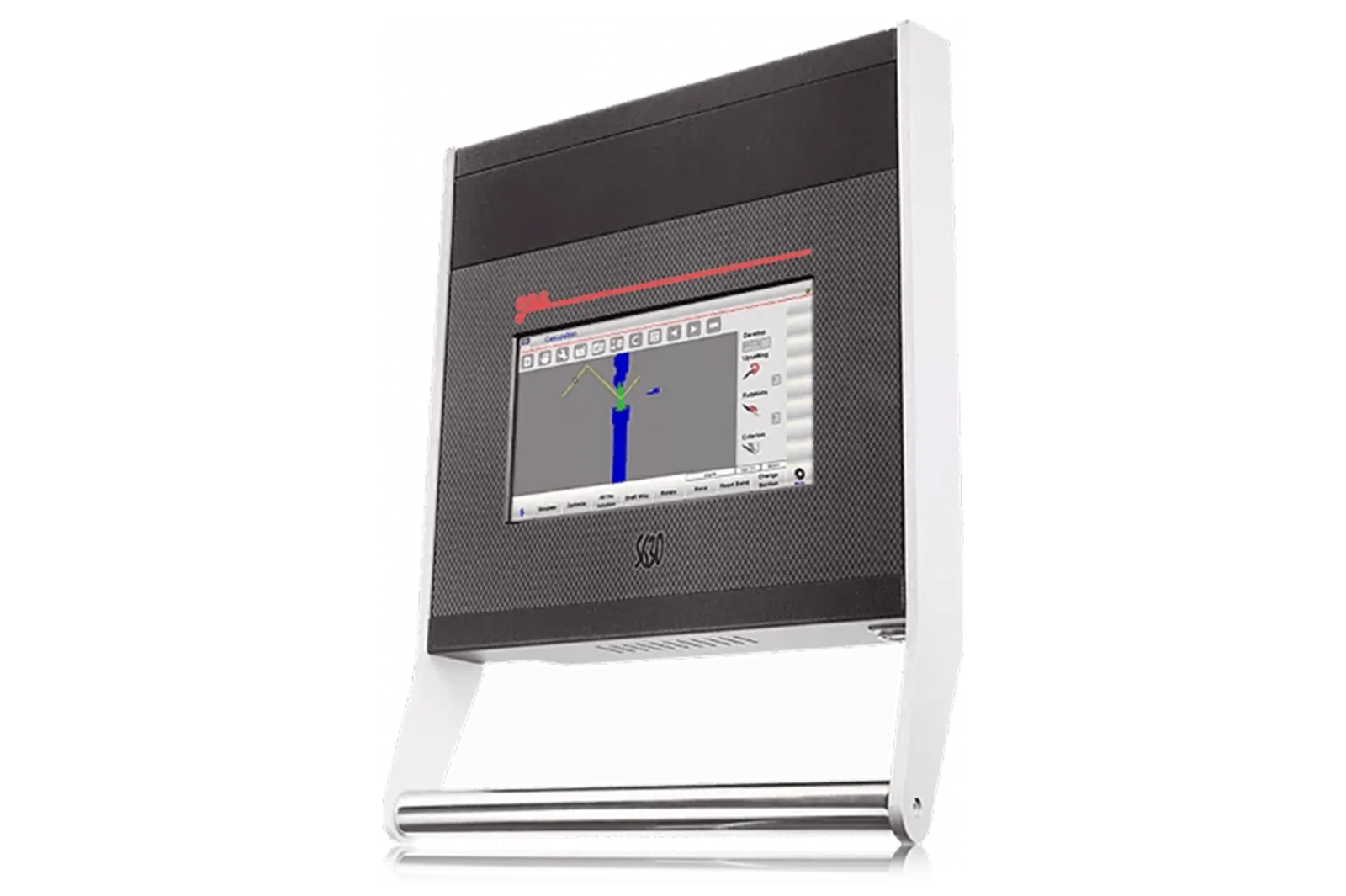
ESA S630. Confirm the programming functions, axes and interfaces required for your machine.
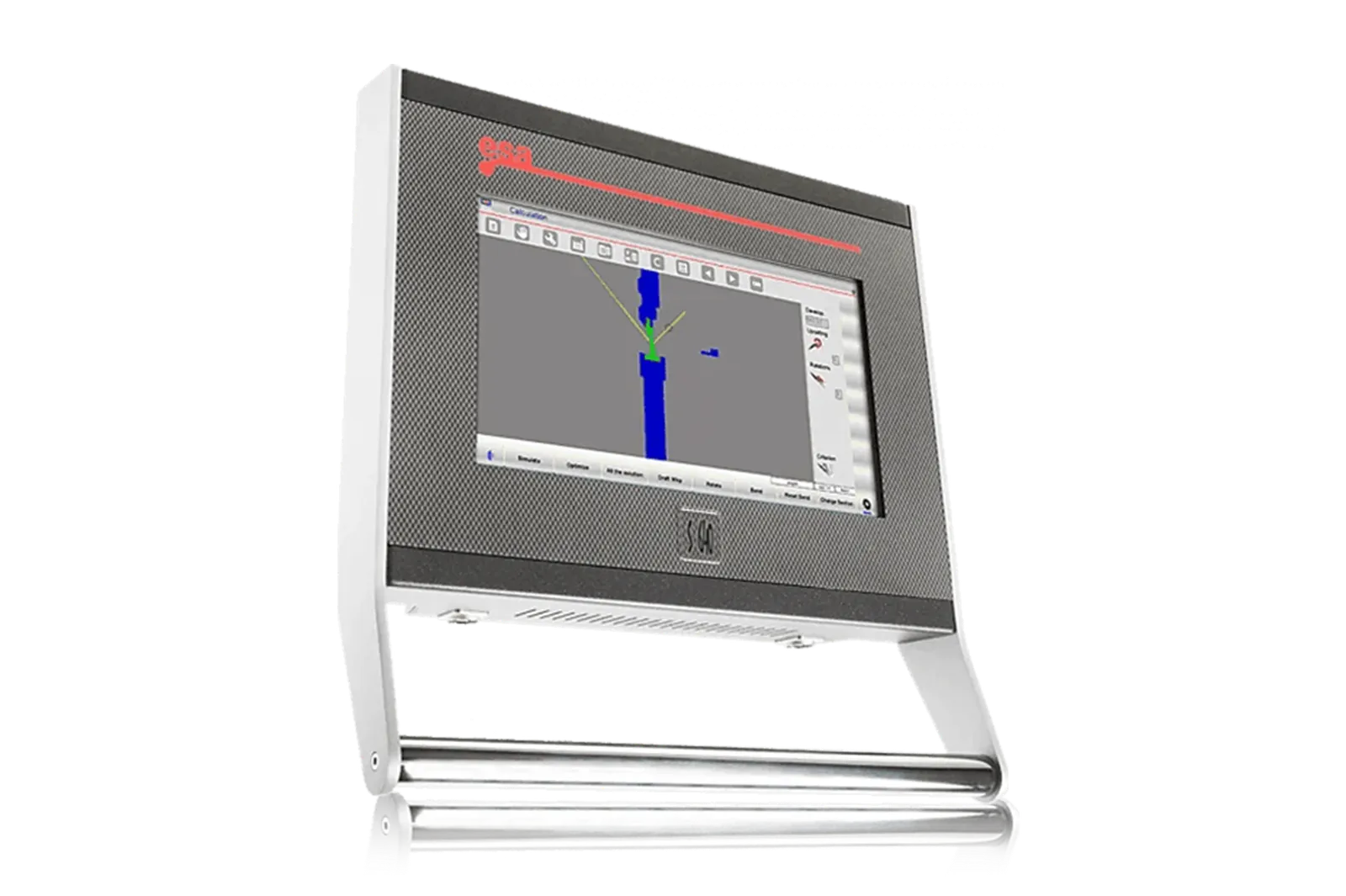
ESA S640. Check the model’s supported functions against your bending workflow.
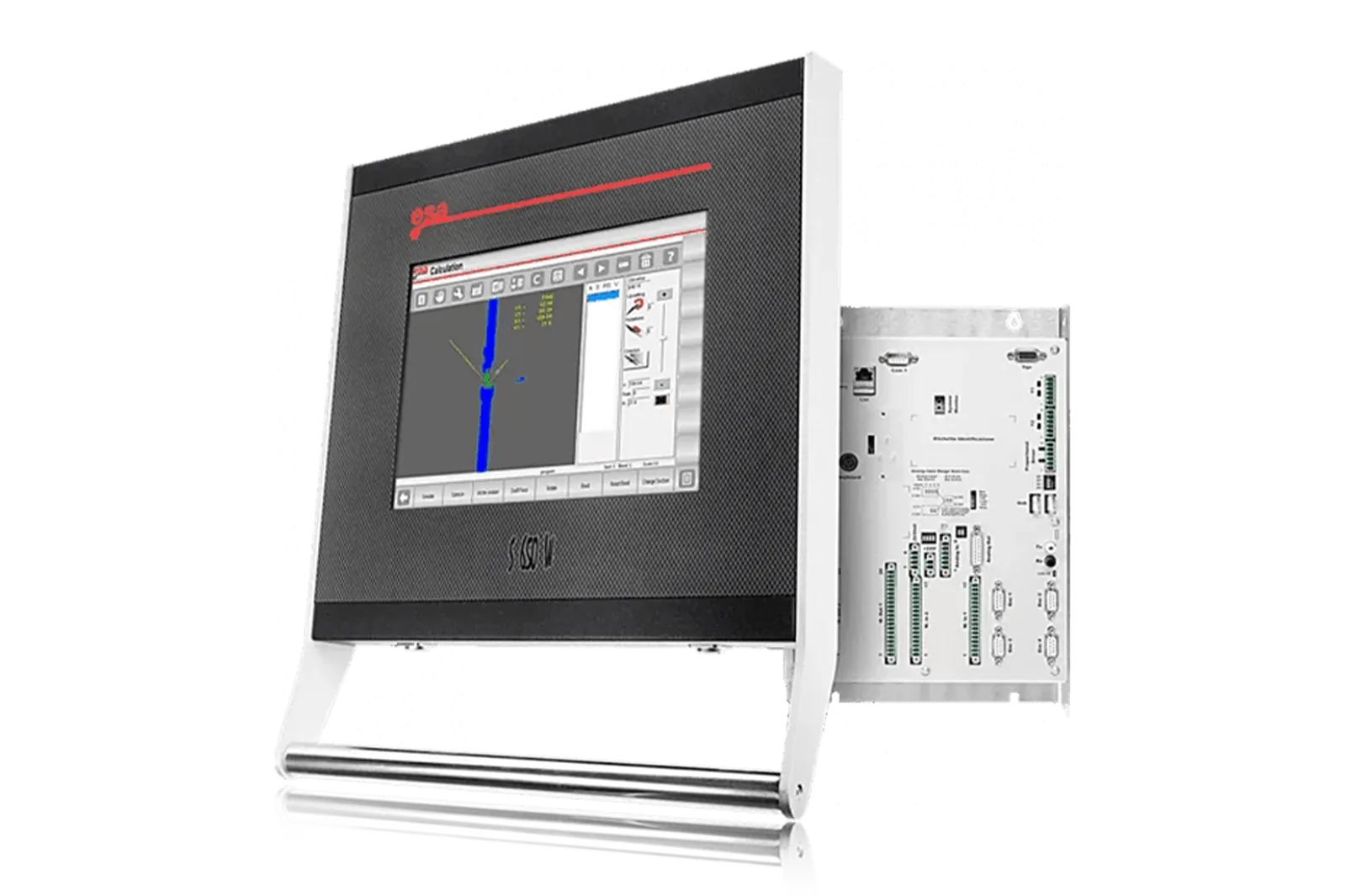
ESA S650W. Ask ADH for the applicable specification and configuration.
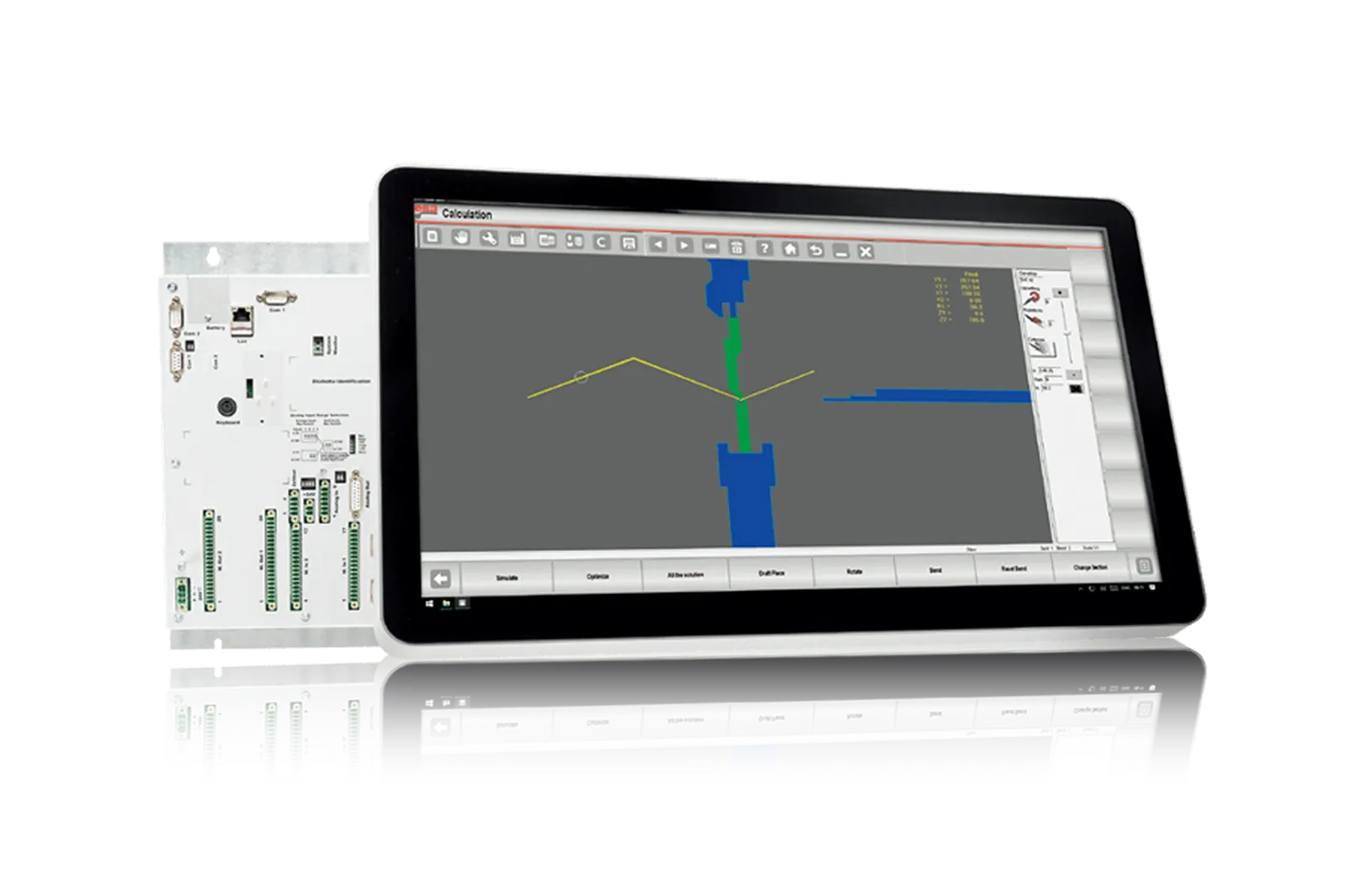
ESA S860. Confirm software, licences and machine compatibility.
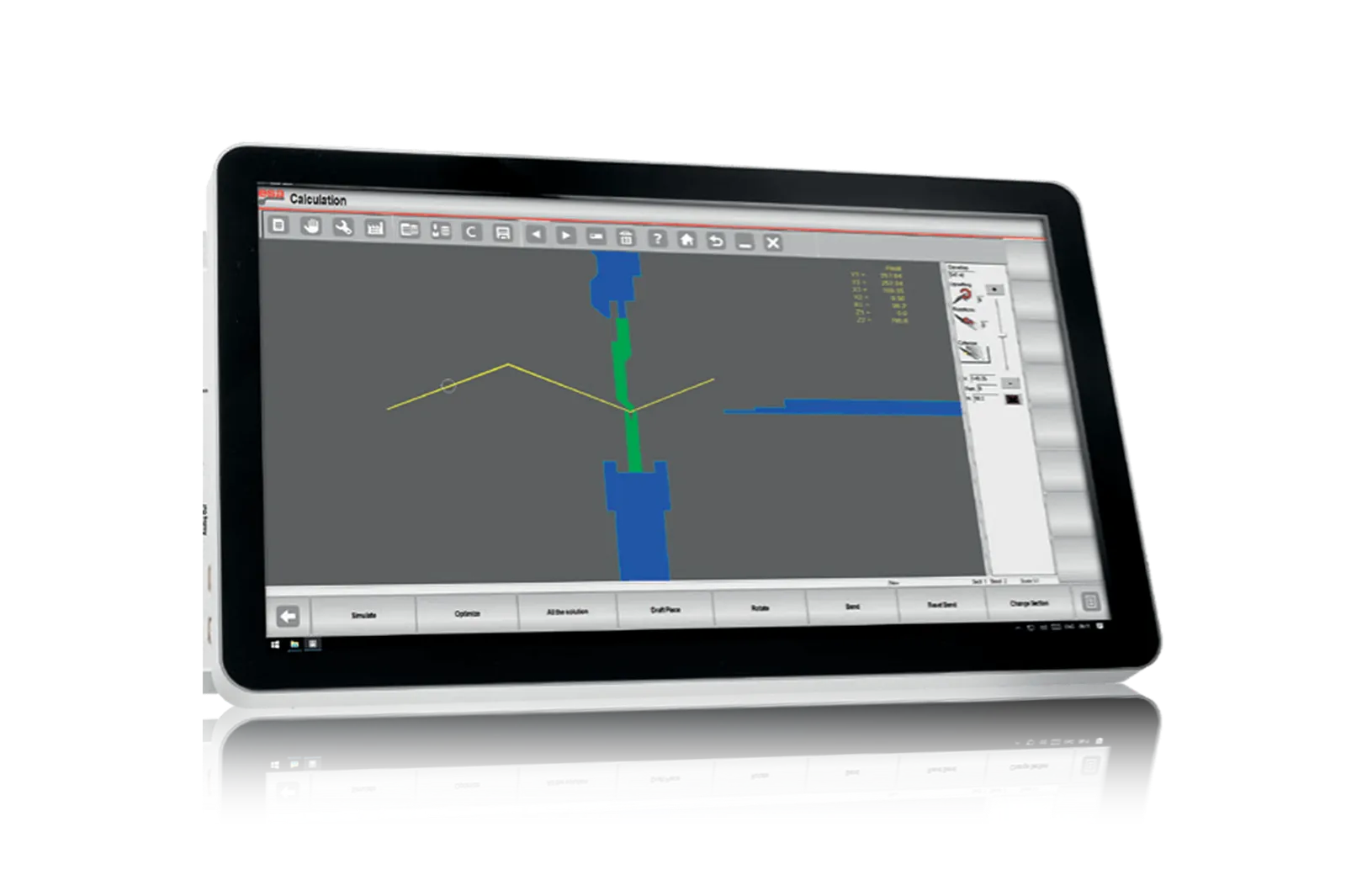
ESA S875. Review the required machine functions and operator workflow with ADH.
Before You Order
The screen is only one part of the control system. Confirm axes, drives, feedback, safety, tooling workflow, data transfer and operator acceptance together.
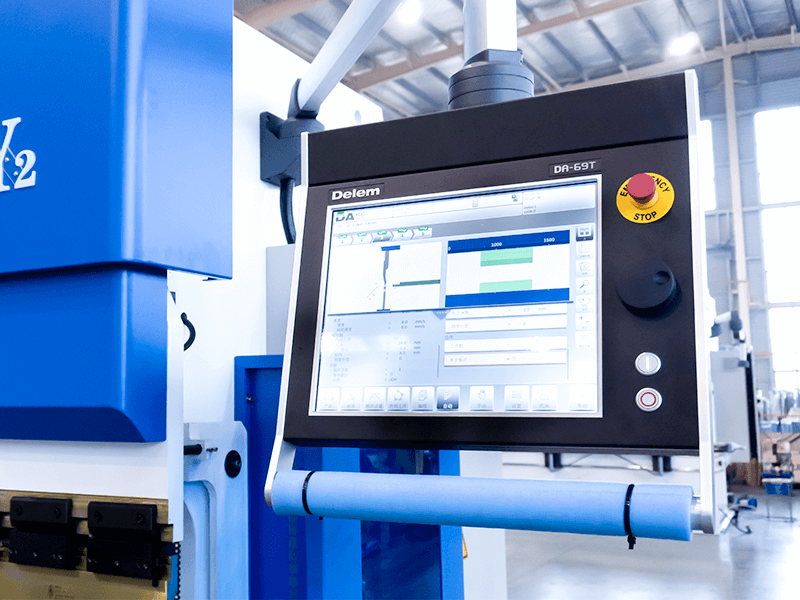
Upgrade path
Identify the production problem, check compatibility, then agree installation and acceptance.
STEP 01
Record machine, controller, interfaces, photos, workflow and the production issue to solve.
STEP 02
Connect workpieces, process, operator tasks, output and site conditions to the upgrade.
STEP 03
Review mechanical, electrical, control, software, safety and service interfaces.
STEP 04
Define installation, tests, acceptance, documentation, training and support responsibilities.
Before You Contact ADH
Controller fit depends on the machine architecture, interfaces and intended workflow.
A retrofit is possible only when electrical, motion, feedback and safety interfaces can be matched and tested.
Send machine model, current controller, axes, electrical information, part mix, drawings and programming workflow.
Compare controller, axis/drive interfaces, feedback, I/O, safety and program transfer as one system.
The quotation should name controller, licenses, hardware, interfaces, installation, tests, training and service terms.
Project enquiry
Tell us what you want to make or improve. Technical details and drawings can follow.
Contact ADH
Name, email and a short description are enough to begin.